
Extract Audio from Video in Seconds
Upload a video and export clean audio as MP3, WAV, M4A, or FLAC. Free to use, with no installation required.
Why people choose it
Built for Fast Audio Extraction
Focused on isolating sound quickly and exporting in practical formats.

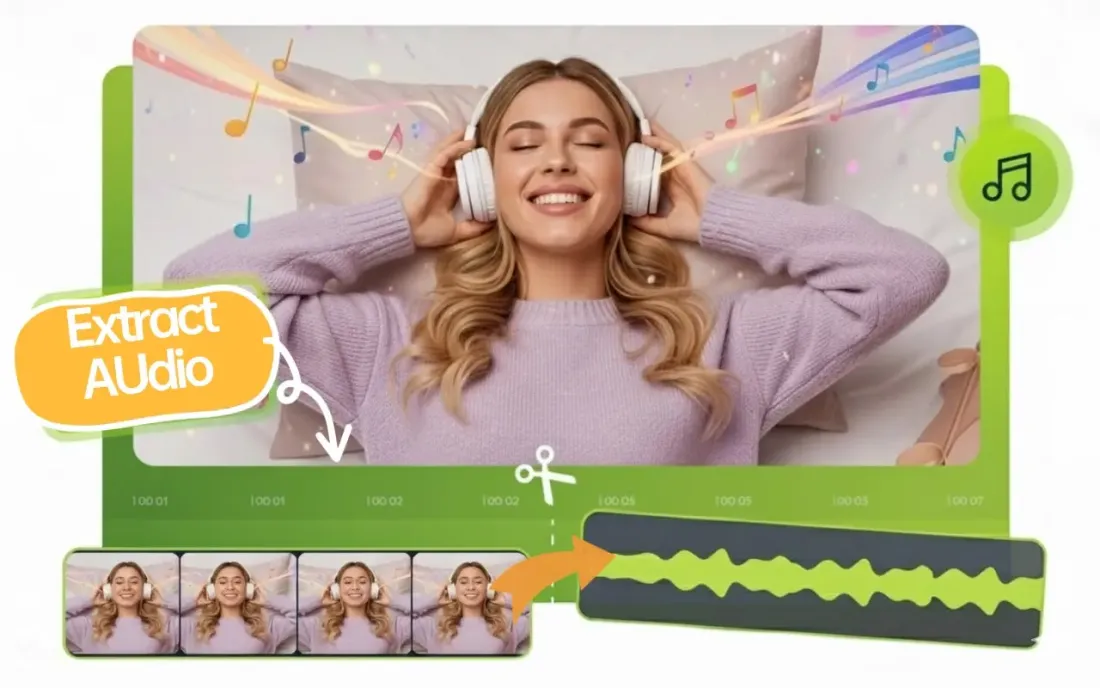
Video to Audio Extraction
Upload a video and extract its audio track quickly. Ideal for voice clips, interviews, podcasts, and background music.
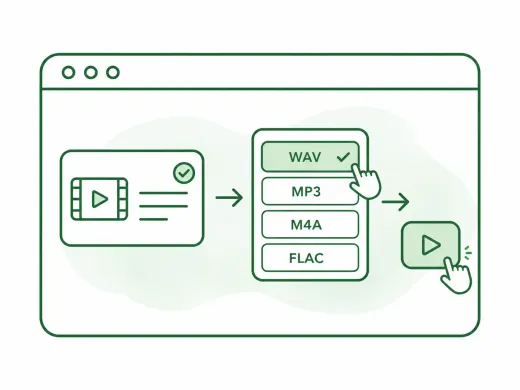
Format Choice Before Processing
Pick MP3, WAV, M4A, or FLAC as your output format before extraction. Get the right file type in one step—no secondary conversion needed.
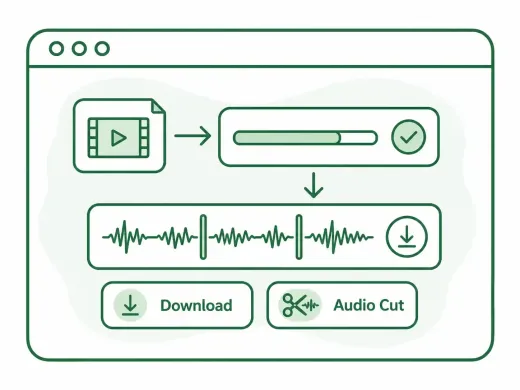
One-page Result Flow
Upload, extract, and download on one page. No redirects or email delivery. Trim the exact range you need before extraction.
Fast content cleanup
Remove pauses, bad takes, and empty intros before publishing a podcast, lesson, or voice memo.
Ready for ringtone workflows
Cut the exact chorus or hook you want, then export in the format that fits your phone.
Simple enough for one-off tasks
No editor learning curve. Open a file, set in and out points, export, and move on.
Three-step workflow
How to Extract Audio from Video
Turn a video into an audio file in three straightforward steps.
Step 1
Upload Video File
Click the upload button to select a video. Common formats such as MP4, MOV, MKV, WEBM, and AVI are supported.
Step 2
Choose Format and Extract
Select a specific time range to extract a clip, or leave it as is for the full audio. Then, pick your preferred format (MP3, WAV, M4A, or FLAC).
Step 3
Download or Continue Editing
Click to download your audio file instantly. Need further edits? Click Back to return and continue editing—no re-uploading needed.
More Tools
Continue with the next audio task
Extract, merge, or keep trimming with the right tool.
MP3 Cutter
Trim MP3 files with fast in and out point selection for music clips, ringtones, and lightweight edits.
AAC Cutter
Edit AAC audio more directly for mobile recordings, compressed assets, and quick delivery cleanup.
Audio Converter
Convert video to audio or switch audio formats quickly with one shared export workflow.
Audio Compressor
Compress MP3, WAV, M4A, AAC, FLAC, OGG, and other audio files into lighter formats with quality presets.
Audio Speed Changer
Speed up or slow down audio online, preview the timing, and export the new version from one editor.
Audio Splitter
Split songs into stems such as vocals, drums, bass, and other parts, then continue editing the separated tracks in one workspace.
Audio Merge
Join multiple audio tracks into one ordered file for chapters, spoken sections, and batch cleanup workflows.
User feedback
What Users Say About Extract Audio
Feedback from creators and editors who regularly pull audio from video.
4.9/5
Editors, creators, students, and podcasters consistently rate the workflow as fast and clear.
Zero setup
No account wall, no software install, no learning curve.
Quick export
Upload, trim, preview, and save in one short workflow.

Emma Lee
Content CreatorI often need voice tracks from screen recordings. This tool extracts audio quickly and the output formats are exactly what I need.

Robert Chen
Podcast ProducerUseful for pulling interview audio from video files before editing. Fast and very straightforward.

Nina Park
StudentI extract lecture audio from class videos and listen later. The process is simple even for non-technical users.

Alex Morgan
Video EditorGood for quick turnaround tasks when I only need audio deliverables from source video assets.
Start Extracting Audio Now
Fast, secure, and browser-based audio extraction from video files.
Upload a file, jump into the editor, and export the exact section you need.
Support
Extract Audio FAQ
Common questions about extracting audio from video files.
Common concerns covered
Pricing, supported formats, safety, mobile compatibility, and export behavior are all addressed here.
Yes. MP4 and many other common formats are supported for audio extraction.
Yes. You can extract and export audio without creating an account.
You can export WAV, MP3, M4A, and FLAC.
For WAV export, quality is preserved. Other formats may apply codec compression based on format choice.
Yes. The extractor works on modern desktop and mobile browsers.
Files are processed for extraction and handled with privacy protections in place.