
Online Audio Converter for Video and Audio Files
Upload a video or audio file, preview it online, and export MP3, WAV, AAC, FLAC, M4A, OGG, and other common formats without desktop software.
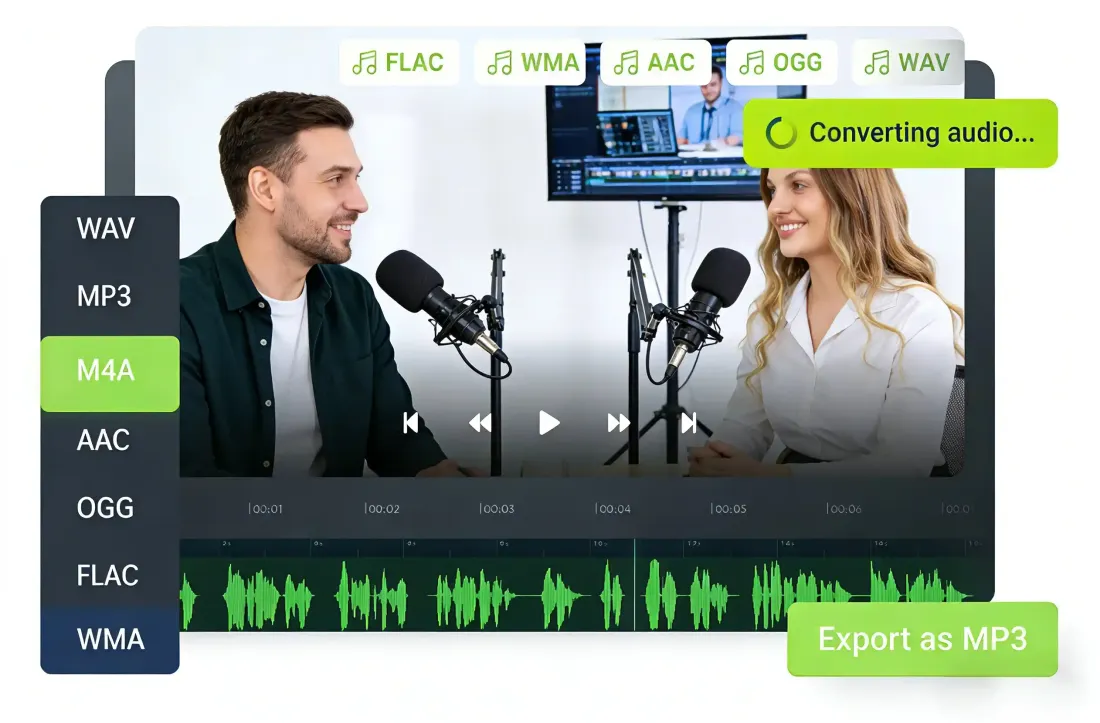
Why teams choose it
Why This Audio Converter Works for Fast Format Changes
A clean browser-based audio converter workflow for video to audio conversion and switching between common audio formats.
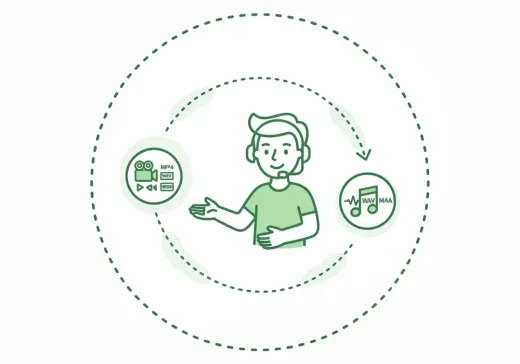
Video to Audio in One Flow
Upload MP4, MOV, MKV, WEBM, and other common video files, then export the sound track directly as an audio file.
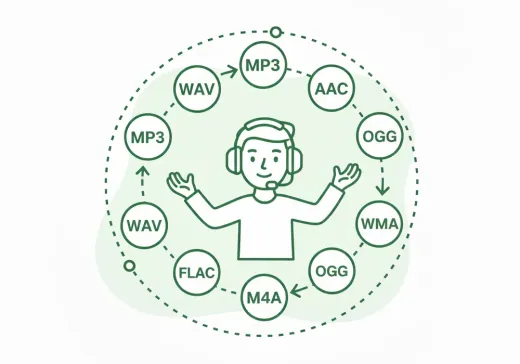
Audio Format Switching
Convert MP3, WAV, AAC, FLAC, M4A, OGG, and WMA with the same editor so you do not need separate tools for each format.
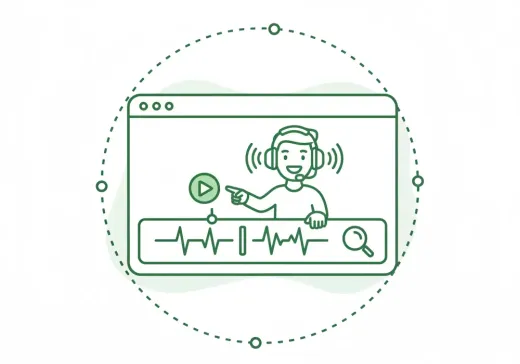
Preview Before Export
Check the source on the timeline before downloading, which makes the workflow safer for one-off conversion jobs.
Prepare audio for delivery
Change a file into the format a player, editor, CMS, or messaging app expects.
Extract sound from video
Turn lectures, interviews, and recordings into audio-only files for easier listening and reuse.
Handle quick format-only tasks
If no trimming is needed, open the file, choose the format, and export right away.
Three-step workflow
How to Use the Audio Converter
A simple audio converter flow for both video-to-audio extraction and audio format conversion.
Step 1
Upload Video or Audio
Choose a local video or audio file to open the shared export workspace.
Step 2
Preview and Confirm
Play, seek, and inspect the source so you know the output will contain the right content.
Step 3
Choose Format and Save
Pick the target audio format and export immediately. If you only need conversion, you can save without adjusting the range.
More Tools
Continue with the next audio task
Extract, merge, or keep trimming with the right tool.
MP3 Cutter
Trim MP3 files with fast in and out point selection for music clips, ringtones, and lightweight edits.
Extract Audio
Pull clean audio from video files for lessons, interviews, recordings, and content repurposing.
Crop Music
Focused on song and soundtrack edits such as chorus cuts, hook extraction, and short-form music snippets.
Audio Compressor
Compress MP3, WAV, M4A, AAC, FLAC, OGG, and other audio files into lighter formats with quality presets.
Audio Splitter
Split songs into stems such as vocals, drums, bass, and other parts, then continue editing the separated tracks in one workspace.
Audio Merge
Join multiple audio tracks into one ordered file for chapters, spoken sections, and batch cleanup workflows.
User feedback
Why Users Choose This Audio Converter
Feedback from people who use this audio converter for fast video to audio conversion and audio format changes without desktop software.
4.9/5
Editors, creators, students, and podcasters consistently rate the workflow as fast and clear.
Zero setup
No account wall, no software install, no learning curve.
Quick export
Upload, trim, preview, and save in one short workflow.

Ryan Cole
Video ProducerI use it to pull audio from rough interview videos and hand off MP3 files quickly.

Mia Lin
Course CreatorHelpful when I need a lighter audio version of a lesson without opening a full editing app.

Daniel Park
Podcast AssistantThe export options are exactly what I need when converting recordings for different publishing tools.

Olivia Hart
Operations ManagerSimple enough for one-time tasks. I can upload, choose the format, and download without training.
Ready to Open the Audio Converter?
Open a video or audio file in the audio converter, choose the target format, and export directly in your browser.
No install required. Preview first if you want to double-check the source.
Support
Audio Converter FAQ and Format Conversion Help
Common questions about using this audio converter for video to audio conversion and audio format conversion.
Common concerns covered
These answers cover supported inputs, export formats, quality expectations, and browser compatibility.
Yes. Upload a video file and export the audio track in formats such as MP3, WAV, M4A, AAC, OGG, FLAC, or WMA.
Yes. The same workflow also handles audio-to-audio format conversion.
No. If you only need a format change, you can keep the full range and export immediately.
WAV exports preserve uncompressed output. Other formats apply codec compression based on the target format.
Yes. The page and export workspace are designed to work across modern desktop and mobile browsers.
No. The conversion flow runs directly in the browser.