
Podcast & Voice
Trim pauses, mistakes, and dead air before publishing
Upload a raw take, mark the section you want to keep, and clean up pacing issues quickly. This audio clip cutter fits podcasts, interviews, lesson narration, and voice memos.
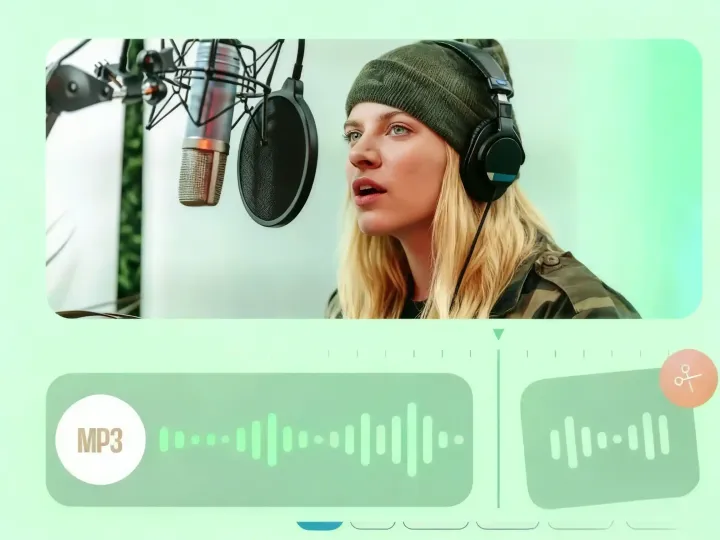
Trim, cut, and export audio clips instantly with a fast browser-based audio cutter. Make ringtones from MP3, WAV, AAC, and more without losing quality.
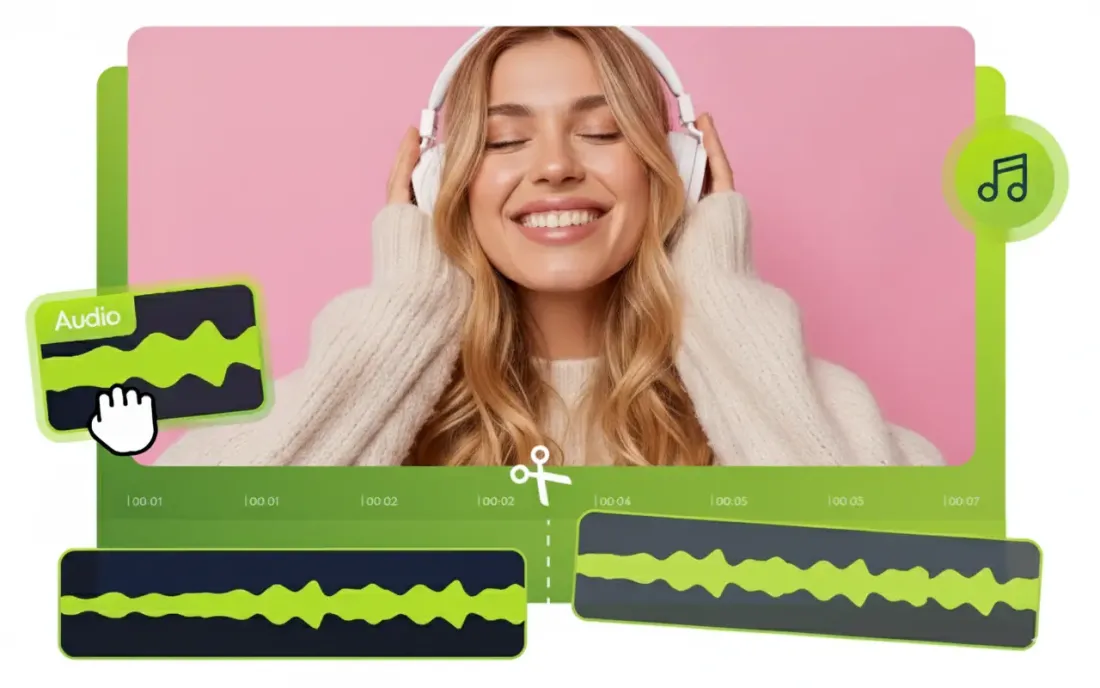
Why teams choose it
Everything you need in an audio cutter to trim music, cut recordings, and export clips efficiently and safely.
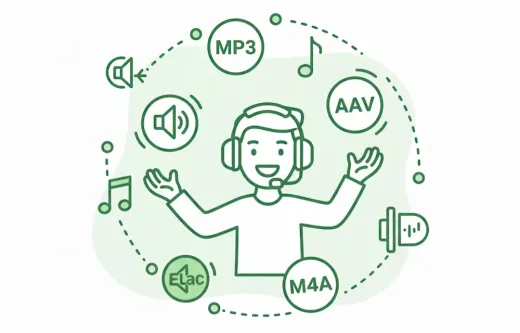
Our audio cutting tool works as a flexible audio cutter for major formats, including MP3, WAV, AAC, FLAC, and M4A. Whether you are creating a custom ringtone, editing podcast episodes, trimming interviews, or refining music tracks, the online audio trimmer keeps the workflow smooth and compatible.
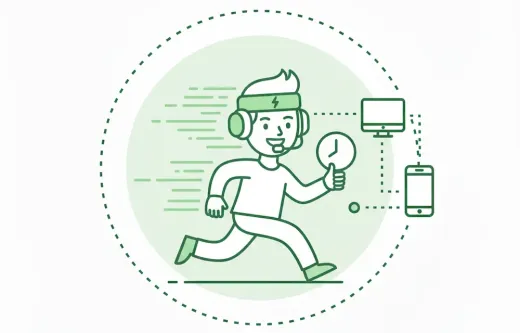
Powered by advanced browser-based processing technology, audio trimming is completed in just a few seconds. No software installation is required, and system resources are minimally used, allowing even standard devices to deliver a fast, seamless, and efficient editing experience.
Your original audio quality is fully preserved throughout the editing and export process, with no unnecessary compression or quality loss. We take privacy seriously — all uploaded files are transferred via SSL encryption and automatically deleted from our servers after processing to keep your data safe.
Fast content cleanup
Remove pauses, bad takes, and empty intros before publishing a podcast, lesson, or voice memo.
Ready for ringtone workflows
Cut the exact chorus or hook you want, then export in the format that fits your phone.
Simple enough for one-off tasks
No editor learning curve. Open a file, set in and out points, export, and move on.
Use Cases
Use this audio cutter to trim audio for podcasts, ringtones, voice notes, and quick cleanups without opening heavy editing software.
Upload a raw take, mark the section you want to keep, and clean up pacing issues quickly. This audio clip cutter fits podcasts, interviews, lesson narration, and voice memos.
When you only need one short section of music, cut audio online and export the exact highlight. It fits ringtone creation, short-form edits, and soundtrack snippets.
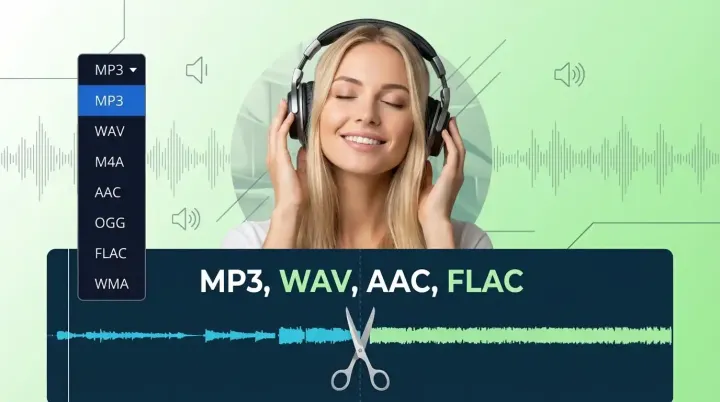
Many users only need to process one file once. Open the browser audio cutter, trim the section, export the result, and move on.
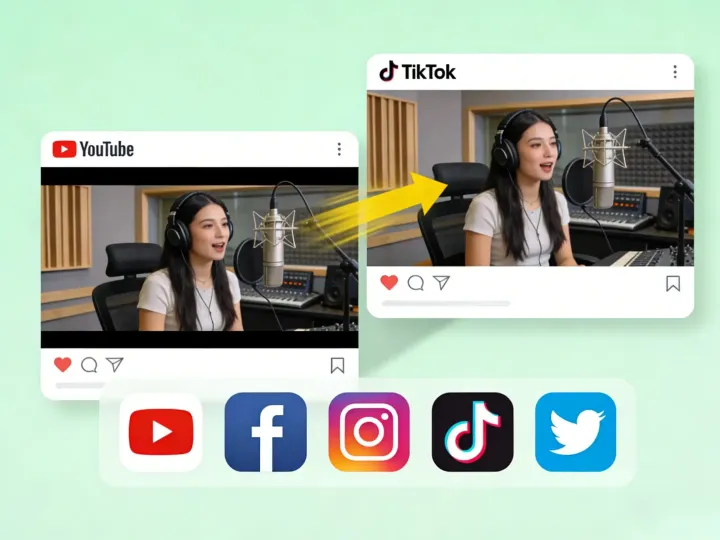
Three-step workflow
Follow these three simple steps to trim your music or recordings.
Step 1
Click the upload button or drag and drop your music file into the audio cutter. The editor supports popular formats for music, voice recordings, and ringtone clips.
Step 2
Use the sliders to select the start and end points of the audio track. You can listen to the preview to ensure you capture exactly the segment you need.
Step 3
Select your desired output format (like MP3 or M4R for iPhone), then hit the save button to download your new audio clip instantly.
More Tools
Extract, merge, or keep trimming with the right tool.
Trim MP3, WAV, AAC, M4A, FLAC, and other audio files with a visual waveform editor in your browser.
Trim MP3 files with fast in and out point selection for music clips, ringtones, and lightweight edits.
Cut lossless WAV files quickly for recordings, interviews, and higher-fidelity source material.
Edit AAC audio more directly for mobile recordings, compressed assets, and quick delivery cleanup.
Focused on song and soundtrack edits such as chorus cuts, hook extraction, and short-form music snippets.
Pull clean audio from video files for lessons, interviews, recordings, and content repurposing.
Convert video to audio or switch audio formats quickly with one shared export workflow.
Compress MP3, WAV, M4A, AAC, FLAC, OGG, and other audio files into lighter formats with quality presets.
Speed up or slow down audio online, preview the timing, and export the new version from one editor.
Separate one audio file into vocal and instrumental tracks, then edit or export the two results.
Join multiple audio tracks into one ordered file for chapters, spoken sections, and batch cleanup workflows.
Transcribe recordings, review speaker labels, and explore summaries and translations with AI Credits.
User feedback
See why users choose this online audio cutter for daily trimming, ringtone making, and quick audio editing needs.
4.9/5
Editors, creators, students, and podcasters consistently rate the workflow as fast and clear.
Zero setup
No account wall, no software install, no learning curve.
Quick export
Upload, trim, preview, and save in one short workflow.

This audio cutter saved my episode. I needed to remove a long pause from a WAV recording, and it was done in seconds. Best free tool available.

I frequently need to make custom ringtones for my phone. This tool cuts precisely and lets me save in the format I need without ruining the sound quality.

I am not technical at all, but this interface is so simple. I used it to trim a song for a class presentation without dealing with complex software.

Very convenient for quick trimming, with an intuitive and smooth workflow. It supports common audio format conversions, making it highly practical for everyday fast audio processing tasks.
This audio cutter supports MP3, WAV, AAC, FLAC, and more. Free, secure, precise audio trimming with no software download required.
Upload a file, jump into the editor, and export the exact section you need.
Support
Common questions about our online audio cutter and trimming workflow.
Common concerns covered
Pricing, supported formats, safety, mobile compatibility, and export behavior are all addressed here.
Yes, our audio cutter is 100% free to use. You can trim music files, cut audio clips, and create ringtones without paying any fees or subscribing.
We support a wide range of input and output formats including MP3, WAV, AAC, FLAC, OGG, M4A, and M4R (for iPhone ringtones).
DSF is not supported at the moment. We recommend converting your DSF file to a more common format such as MP3, WAV, or FLAC before trimming it with our tool.
No installation is required. This is a browser-based audio cutter, which means you can access it directly from Windows, Mac, or Linux.
Absolutely. We use 256-bit SSL encryption to protect your data. Your files are automatically deleted from our servers permanently after you download your cut.
Yes, our website is fully responsive. You can use the audio trimmer on your iPhone, iPad, or Android device to make ringtones directly on your phone.
Free users can upload audio files of any size. Whether it’s a short track, a long recording, or a multi-hour DJ mix, it can be processed without any file size limitations.