
Best Audio Speed for Podcasts, Lectures, and Audiobooks (2026 Guide)
At a Glance: Recommended Speeds
Quick answer: 1.25x–1.5x is the comfortable range for most spoken content you haven't heard before — podcasts, lectures, audiobooks. Go up to 2x only for material you're reviewing, not hearing for the first time. Drop to 0.5x–0.75x for music practice or transcription, where you need to catch every detail rather than just the gist. All speeds listed here fall within the standard 0.5x–2x range that AudioCut and most playback tools support.
Here's the breakdown by content type:
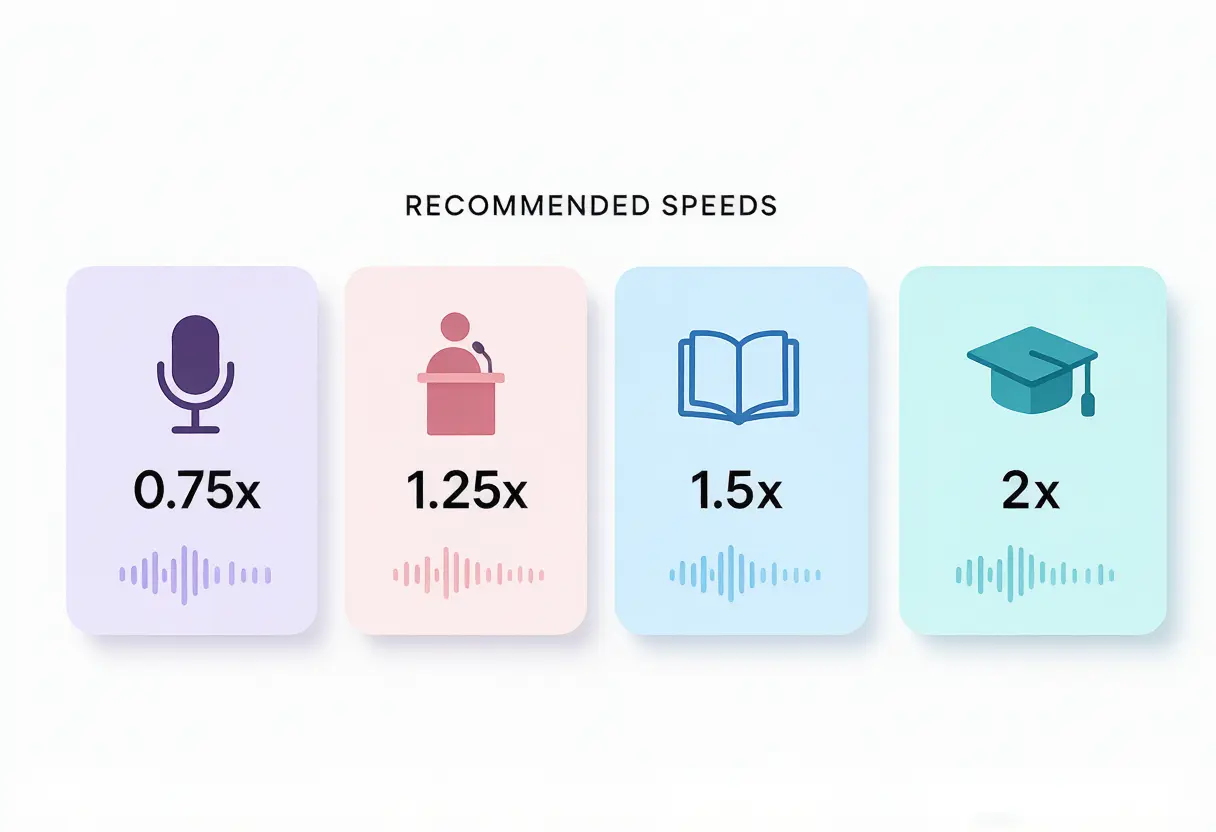
Recommended Speed by Content Type
| Content Type | Recommended Speed | Why |
|---|---|---|
| Podcasts (new episode) | 1.25x – 1.5x | Comfortable for most hosts; saves 20–33% of listening time |
| Podcasts (familiar show) | 1.5x | You already know the hosts' pacing and style; can handle faster |
| Lecture recordings (first listen) | 1.25x – 1.5x | You're still absorbing new information |
| Lecture recordings (exam review) | 2x | Already familiar with the material; just refreshing |
| Audiobooks | 1.25x – 1.5x | Narrators are usually clear and evenly paced; 1.5x is the sweet spot |
| Music practice | 0.5x – 0.75x | Need to hear every note, bend, and transition clearly |
| Transcription | 0.75x | Slow enough to type along, fast enough to keep momentum |
| Skimming / quick review | 2x | Getting the gist, not catching every word |
General rule of thumb: start at 1.25x for content you actually care about, 1.5x for content you're skimming, and save 2x for material you've already heard once. If you catch yourself losing focus or rewinding often, the speed is too high — drop it back a notch rather than pushing through.
Why There's No Single "Best" Speed
The speed that works depends on three things, not just personal preference:
- How dense the content is. A fast-talking podcast host packed with information tolerates less speed-up than a slow, deliberate lecturer — even at the same base pace, dense material needs more processing time.
- How familiar you are with it. First listens need slack for your brain to absorb new information. Reviews and rewatches can run much faster because you're recognizing, not learning.
- What you're listening for. Skimming for the general idea (2x is fine, you'll miss some words) is a different task from studying for an exam (stay closer to 1.25x so nothing slips through).
This is also why comprehension research on "optimal podcast speed" varies so much between sources — the honest answer is a range, not a single number, and the range depends on the listener and the material as much as the audio itself.
Common Mistakes When Choosing a Speed
- Jumping straight to 2x. It feels efficient, but if you're rewinding every few minutes to catch what you missed, you're not actually saving time — you're just splitting the same listening time into more interruptions.
- Using the same speed for every show. A calm, well-produced narrative podcast and a fast, unscripted interview show don't behave the same at 1.5x. Adjust per show, not once and forget it.
- Ignoring how the speed sounds, not just the number. If a tool doesn't preserve pitch, speeding up past 1.25x starts sounding noticeably higher-pitched — which is more fatiguing to listen to even if you can technically follow along. AudioCut preserves pitch by default, so the voice stays natural regardless of speed; always check your tool's settings before committing to a speed for a long file.
How to Actually Set the Speed
If you're changing the speed of a downloaded file rather than adjusting playback in an app, the process is the same regardless of content type: upload the file, pick a speed preset, preview it, and export. Pitch stays natural throughout — no chipmunk effect.
→ See the full step-by-step guide to speeding up or slowing down audio files for the complete walkthrough, including how to change the speed of only part of a file.
Frequently Asked Questions
What is the best speed to listen to podcasts at?
1.25x to 1.5x for most listeners and most shows. Start at 1.25x if you're new to speed-listening — your ear adjusts within a few episodes, and many people naturally move up to 1.5x or higher over time.
Does listening to audio faster hurt comprehension?
It can, past a certain point — the drop-off depends on the listener and the content. Dense, information-heavy material and unfamiliar topics are more affected by speed than casual conversation-style content. If you notice yourself missing details or having to rewind, that's the signal to slow back down, not push through.
Is 2x too fast for lectures?
For a first listen, usually yes — you're absorbing new information and need the slack. For review sessions before an exam, where you've already heard the material once, 2x is often fine since you're recognizing rather than learning.
Does the best speed change based on the app I'm using?
The recommended range is about your own comprehension, not the app, so it holds regardless of whether you're in a podcast app, an audiobook app, or speeding up a downloaded file. What does change is whether pitch is preserved — some apps handle this better than others, so always preview a new app or tool before trusting it on a long file.
Conclusion
There's no universal "best" podcast speed — there's a best speed for this content, at this point in your familiarity with it, for what you're trying to get out of it. As a starting point: 1.25x–1.5x for anything new, up to 2x only once it's familiar, and back down to 0.5x–0.75x when you need to catch every detail.
Want to change the speed of a downloaded file rather than just adjusting playback? Try AudioCut's audio speed changer — upload, pick a speed, preview, and export, all in your browser.