Best Audio Editing Tools 2026: From Free Browser Editors to Pro DAWs
Picking the best audio editing tools in 2026 really comes down to one question: what are you actually trying to do? Want to slice a 30-second clip out of a song without installing anything? AudioCut runs straight in your browser, no login, no upload. Recording a podcast? Descript will save you hours. Building a full album? You'll want a real DAW like Pro Tools or Adobe Audition.
I've watched too many people stall for a week just choosing software. Don't be that person. This guide cuts through the noise with honest takes, real pricing signals, and a comparison table you can actually use. No filler, no "top 50" sprawl.
Quick Comparison Table
| Tool | Platform | Price | Best for | Learning curve |
|---|---|---|---|---|
| AudioCut | Browser | Free | Quick trims, no-install editing | Minimal |
| Adobe Audition | Windows / Mac | Subscription | Pro production, restoration | Steep |
| Audacity | Windows / Mac / Linux | Free | Casual edits, open source | Moderate |
| Avid Pro Tools | Windows / Mac | Subscription | Studio recording, mixing | Steep |
| Descript | Browser / Win / Mac | Freemium | Podcast editing via transcript | Easy |
| VEED | Browser | Free + paid | Quick online edits, 4.6★ (2,139 reviews) | Easy |
| Clideo | Browser | Free + paid | Simple cuts, top SERP pick | Easy |
| AudioMass | Browser | Free | Open-source browser editing | Moderate |
How to Choose the Right Audio Editor
Most "best of" lists drown you in options. Let me simplify it to two axes — use case and platform. Get those right and the tool almost chooses itself.
By use case
- Quick trim or ringtone: you don't need a DAW. A browser tool like AudioCut gets it done in seconds.
- Podcast: transcription-based editing (Descript) beats waveform hunting once you're past episode three.
- Pro production: multi-track mixing, pitch correction, noise repair → Audition or Pro Tools.
- Free only: Audacity and AudioMass cover you without spending a cent, and both stay free forever.
By platform
- Browser: AudioCut, VEED, Clideo, AudioMass, Descript. Nothing to install, works on any machine.
- Windows / Mac: Audition, Pro Tools, Audacity — the desktop-class waveform editors.
- Mobile: most pro DAWs are desktop-first; browser tools still load on a phone's browser when you're stuck.
Here's the thing — for beginners, platform matters more than features. If you freeze at the sight of a waveform editor, start in the browser. You can always graduate to a DAW later without losing the files you made along the way. That's the real appeal of online audio editor no download setups: zero commitment.
#1 AudioCut — Browser-Based, Zero-Friction Editing
If you just need to cut something and move on, AudioCut is the one I point people to first. It's a pure browser editor at audio editing — no account, no download, and your files never leave your machine. That last part isn't a marketing line; the processing happens locally, so nothing gets uploaded to a server. For anyone nervous about privacy, that's the whole ballgame.
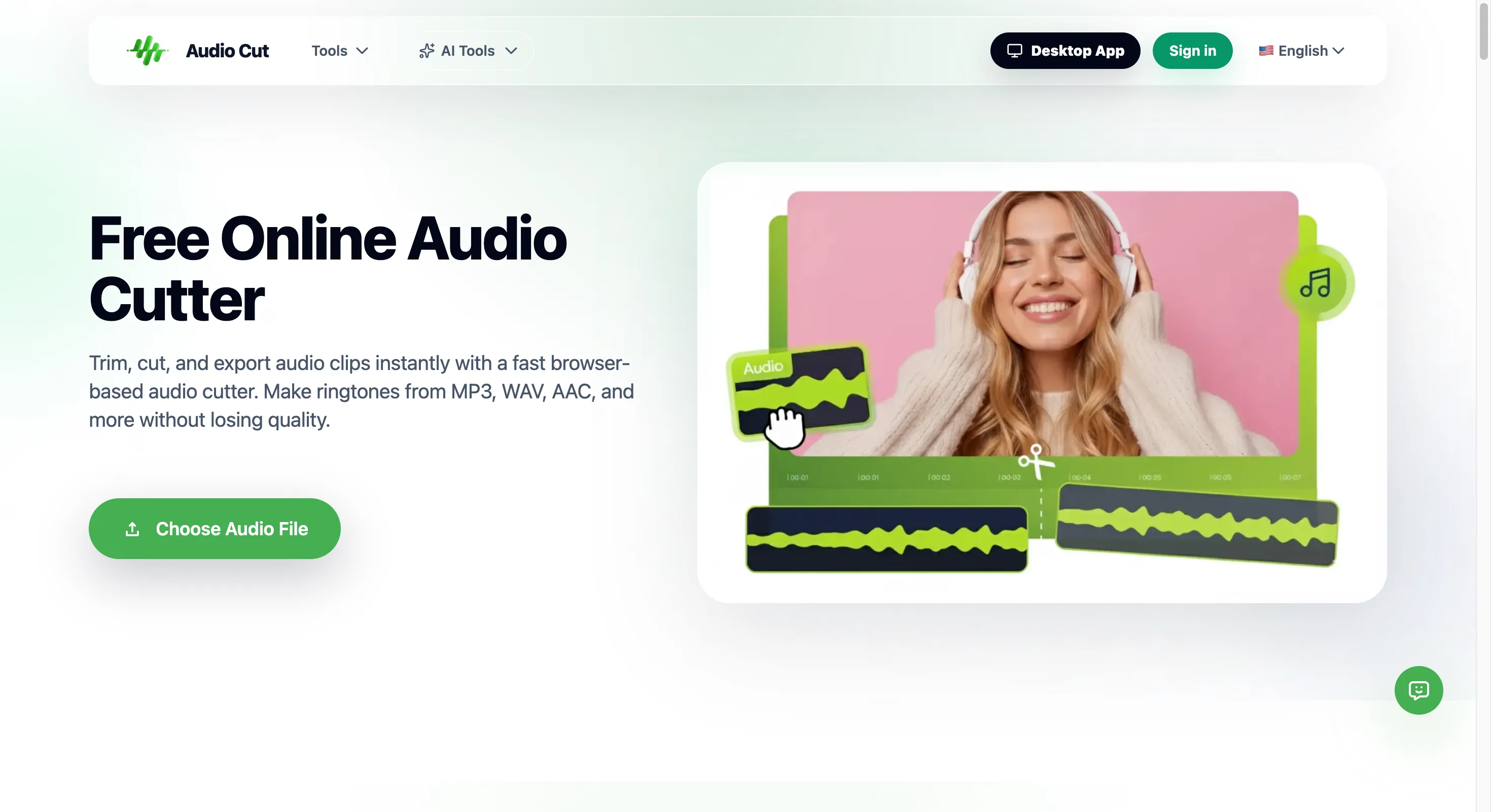
Figure 1: AudioCut's browser editor showing a live waveform for a quick MP3 trim.
The tool does the basics well: cut, trim, merge, convert. There are focused sub-tools too — an mp3-cutter, a wav-cutter, a ringtone-maker, and an audio-converter. MP3 and WAV are both supported. It's single-file oriented, which sounds limiting until you realize most "I just need to edit audio" moments are exactly one file.
Where it beats the field: against Clideo, AudioCut doesn't ship your audio to a server. Against VEED, there's zero learning curve — open the page, drop your file, done. We recommend it as the fastest entry point into audio editing when you don't want software on your laptop. For audio editing software for beginners, the no-login path removes the single biggest reason people quit before they start.
#2 Adobe Audition — The Pro Standard
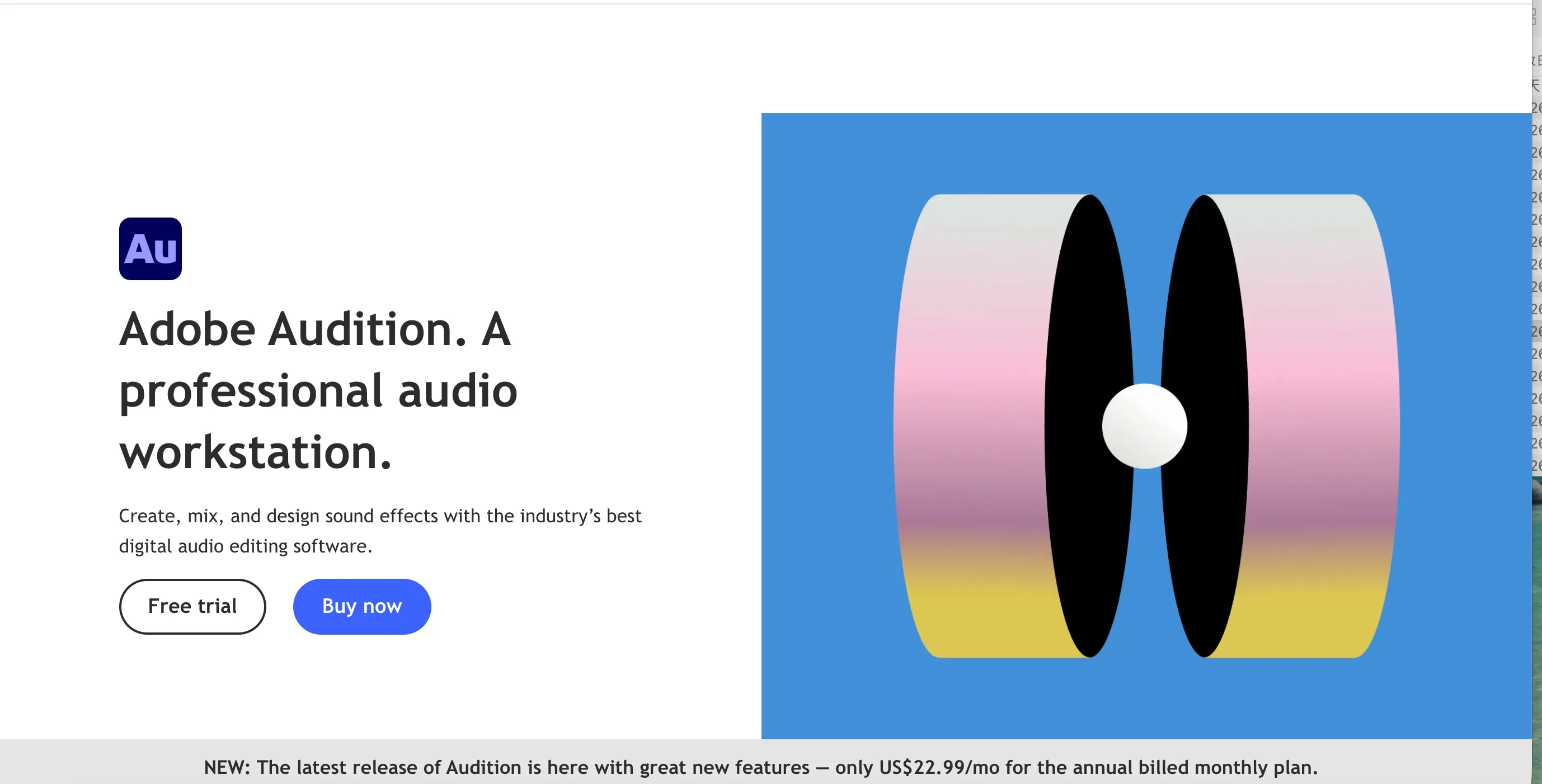
Audition is what most professional post-production houses reach for. It's a full multi-track editor with spectral display, adaptive noise reduction, and tight integration with Premiere if you're cutting video too. The catch is the learning curve and the Creative Cloud subscription. If you're trimming a voicemail or a single podcast take, it's overkill. But for broadcast cleanup and restoration work, almost nothing free comes close.
One note on Audition vs Pro Tools: Audition wins on restoration and video-adjacent workflows; Pro Tools wins on tracking and industry session compatibility. Pick based on whether you're fixing audio or recording it.
#3 Audacity — Free and Open Source
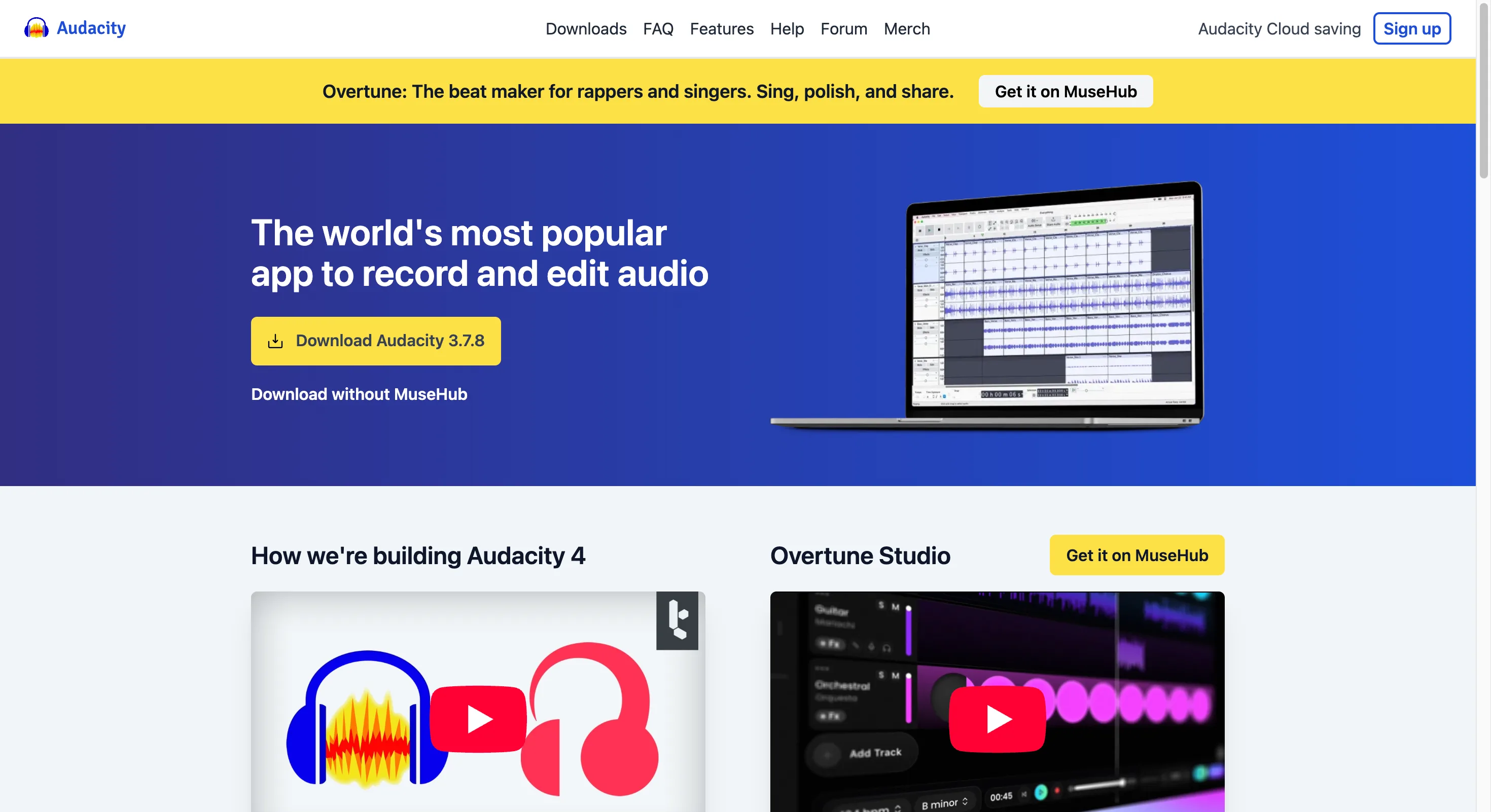
Audacity has been the default free pick for two decades, and it's still solid in 2026. Open source, runs on Windows, Mac, and Linux, and handles multi-track editing without asking for a dime. The interface feels dated next to browser tools, and the workflow isn't as smooth for absolute beginners. But for someone who wants a real waveform editor they own forever, it's hard to beat.
Plenty of people treat it as their Audacity alternative only when they outgrow it — not the other way around. If the desktop install bothers you, AudioMass gives a similar open-source feel inside a browser tab.
#4 Avid Pro Tools — Industry DAW
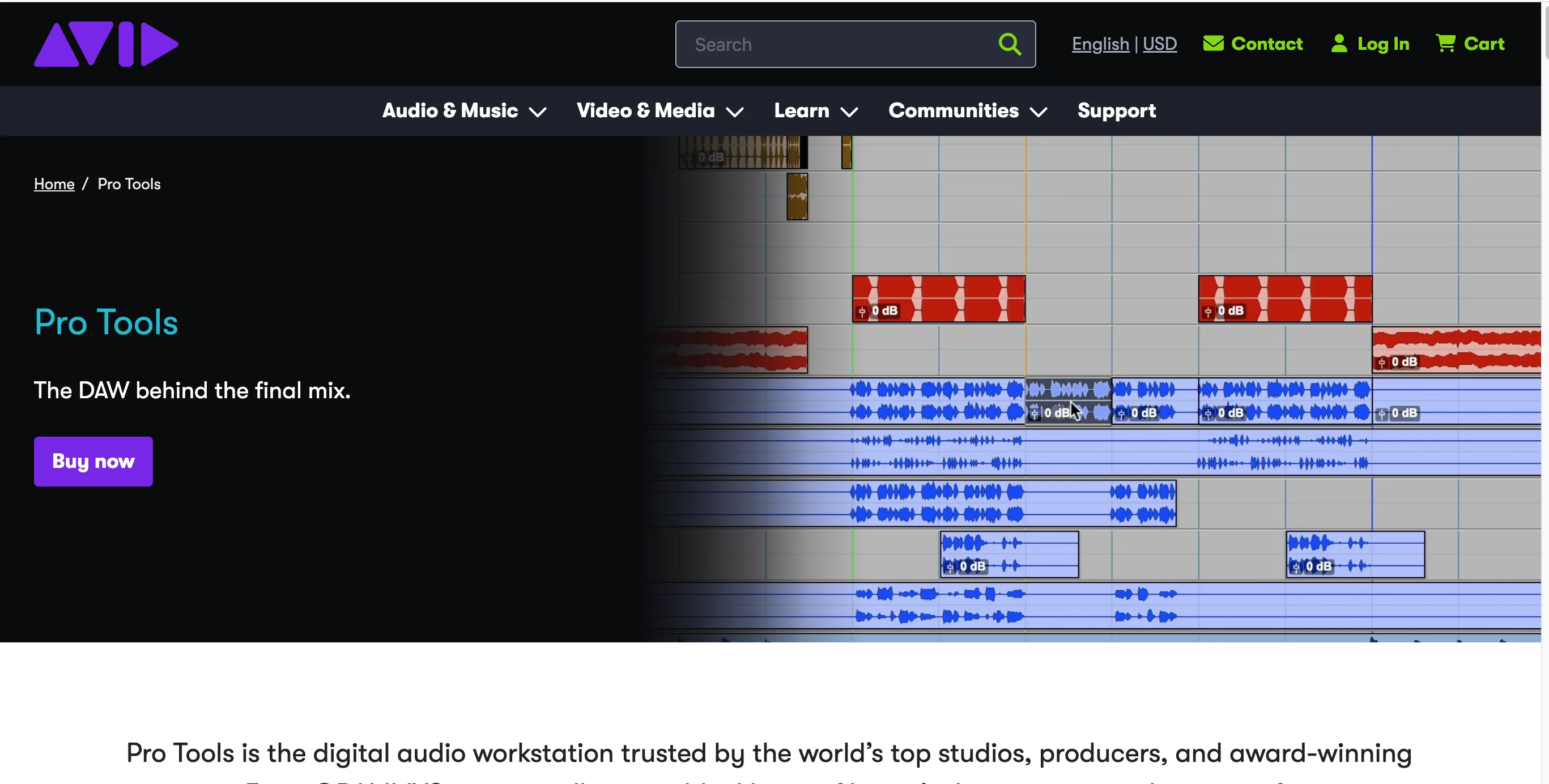
Pro Tools is the recording studio standard — Avid built it, and most commercial studios you walk into are running it. If you're tracking live bands or mixing for film, this is the DAW. The downside is cost and complexity; the subscription and hardware dependencies scare off hobbyists. I wouldn't suggest it to a beginner, but if your goal is industry-compatible sessions, there's no real substitute.
#5 Descript — AI-Powered Podcast Editing
Descript flips editing on its head: you edit audio by editing a transcript. Cut a "um," delete a sentence, and the waveform follows. For podcasters, that's genuinely faster than dragging region boundaries. It's a freemium browser tool with desktop apps, and the AI features — like filler-word removal — are the reason it tops our podcast pick for audio editing software for podcast work.
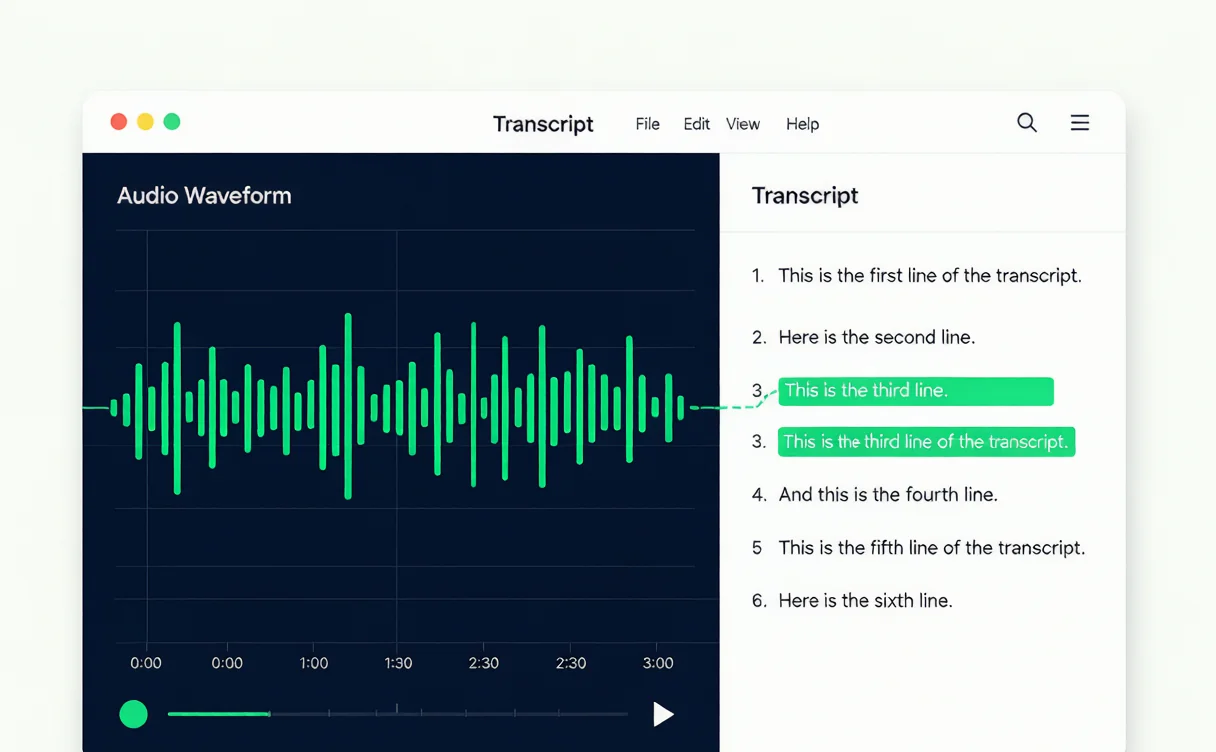
Figure 2: Descript's transcript view with the audio waveform synced to the text.
The trade-off is that heavy restoration still needs a traditional DAW underneath. Use Descript to shape the conversation, then hand off to Audition if the room noise is bad.
#6 VEED — Online Multitool
VEED is an online editor that pulls 4.6 stars across 2,139 reviews, and it's free to start. Beyond audio it does video, captions, and more, so it's a good all-rounder if you're already there for video. For pure audio trimming it's capable but heavier than a focused tool. Worth it if you want one tab for everything and don't mind an account.
#7 Clideo — Simple Online Cutter
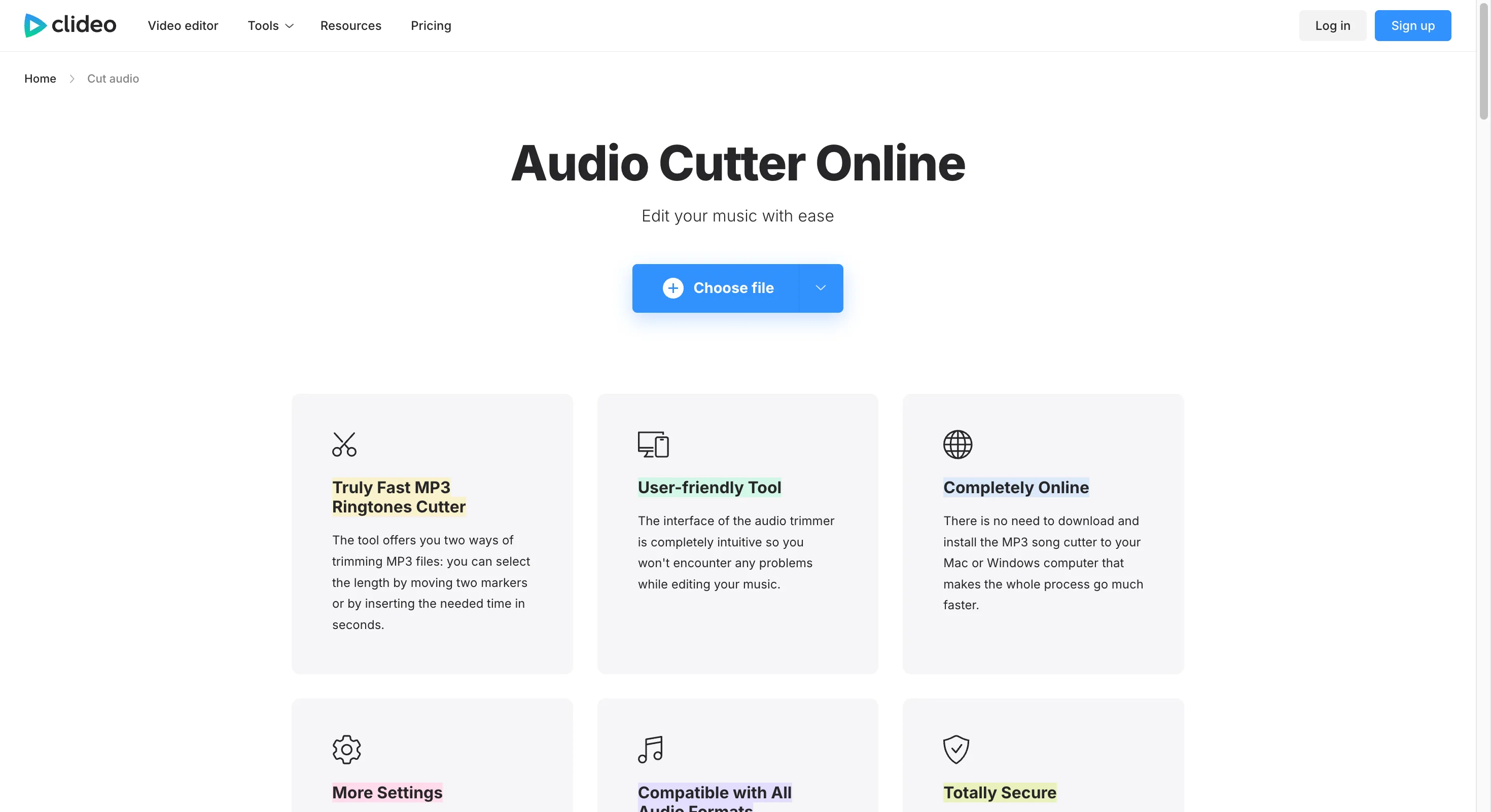
Clideo shows up as the #1 result on the first screen for "best audio editing tools," which tells you how well it ranks for cut-audio queries. The tool itself is simple: upload, cut, download. A free tier exists with limits. It's fine for a one-off trim, though — as I noted with AudioCut — it processes files on its servers, which some users would rather avoid for sensitive content.
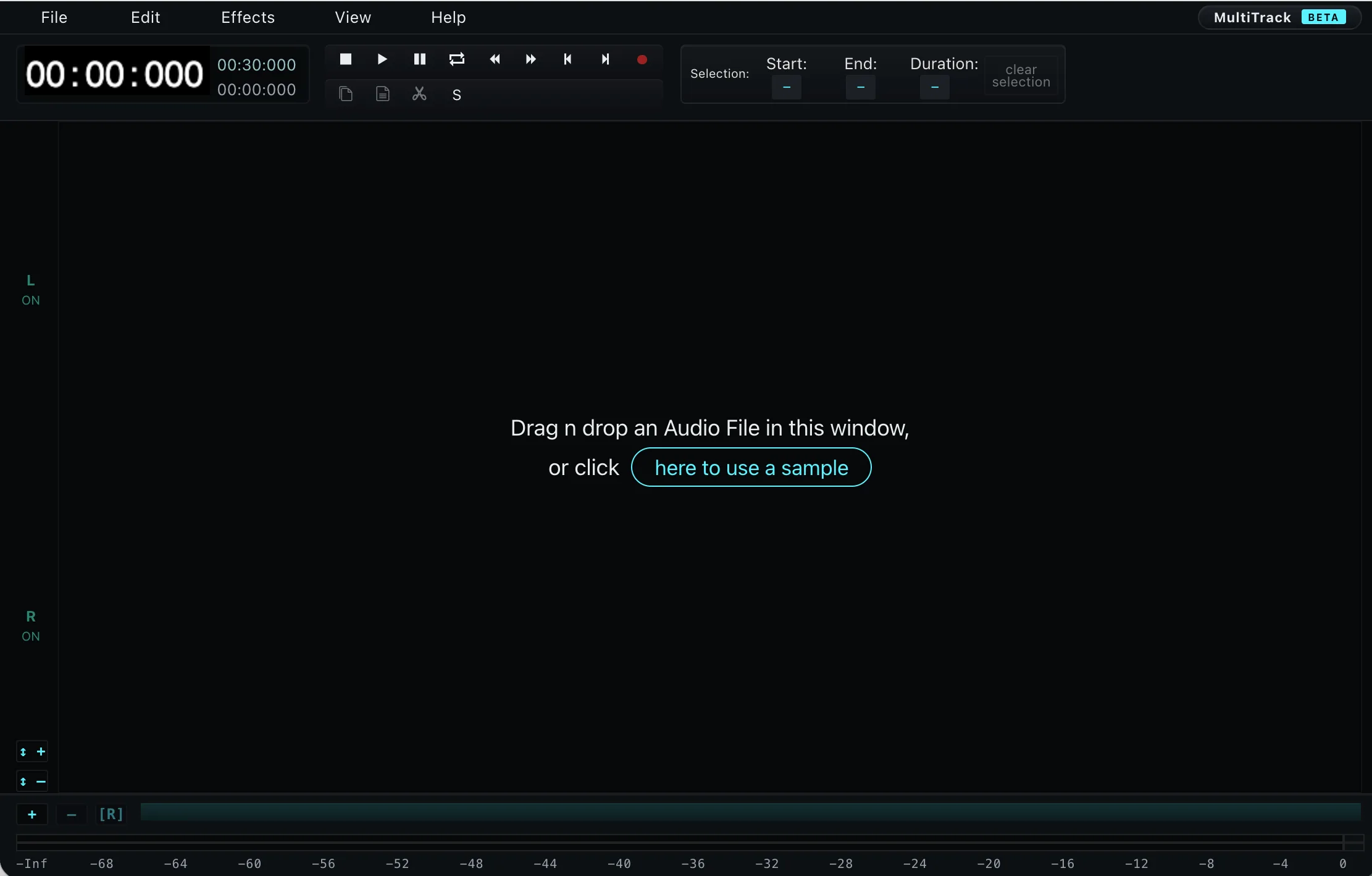
#8 AudioMass — Open-Source Browser Editor
AudioMass is the open-source answer to browser editing, pulling around 784K monthly visits. It gives you a real multi-track timeline in the browser, free, with no account. The UI is more "pro tool ported to web" than "beginner friendly," so it sits between AudioCut's simplicity and Audacity's depth. A strong pick if you want browser convenience without giving up a timeline.
DAW vs Online Editor: When to Use Which
This is the question I get most. A DAW (Digital Audio Workstation, per Wikipedia) is built for multi-track production — layering vocals, instruments, effects, automation. An online editor is built for a single file: cut, trim, convert, export. The difference isn't quality, it's scope.
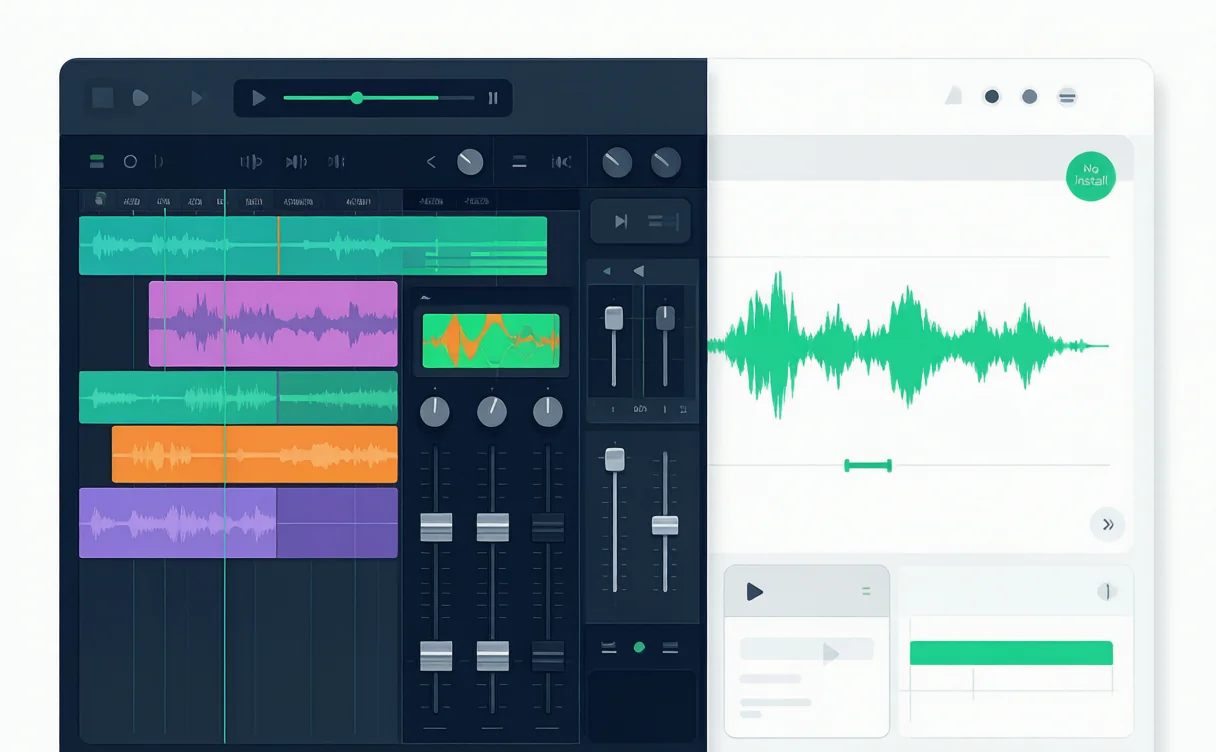
Figure 3: A multi-track DAW timeline next to a single-file online audio editing workflow.
Use a DAW when:
- You're mixing more than two tracks
- You need plugins, EQ chains, or pitch correction
- Sessions need to be shared with other engineers in a standard format
Use an online editor when:
- It's one file and one task
- You're on a borrowed laptop or a locked-down work machine
- Speed matters more than polish
Honestly, most people overestimate how often they need a DAW. If your weekly audio task is "trim the intro off this recording," a browser tool wins every time. The best audio editing software for you is the one you'll actually open.
Can You Really Edit Audio Online for Free?

Figure 4: A creator trimming audio on a laptop with a no-download online editor.
Yes — and it's not a compromise anymore. Browser editors like AudioCut, AudioMass, and VEED handle cutting, merging, and conversion without charging. The limits are usually file size or export quality on free tiers, not whether the core edit works. The bigger decision is privacy: local-processing tools (AudioCut) keep files on your device, while server-based ones (Clideo, VEED) upload them. Decide that based on your content, not the price tag.
For best free audio editing software, the browser camp has quietly caught up to desktop. Five years ago I'd have said install Audacity without thinking. Today a no-download editor gets most casual jobs done before Audacity even finishes launching.
FAQ
What is the best free audio editing software? For zero cost with no install, AudioCut and AudioMass lead the browser side; Audacity owns the desktop. Pick browser if you value convenience, desktop if you want a tool you keep forever.
Can I edit audio online without downloading anything? Yes. AudioCut, VEED, Clideo, and AudioMass all run in a browser. AudioCut goes further by processing files locally, so nothing uploads to a server.
Which tool is best for podcast editing? Descript, hands down, if you want transcript-based editing. For multi-track with music beds, Audition or Pro Tools. Beginners should start with Descript and level up only if they hit a wall.
Is Audacity still worth using in 2026? For free desktop editing, yes. It's not pretty, but it's capable and cross-platform. If the interface puts you off, AudioMass gives a similar open-source feel in the browser.
What's the difference between a DAW and a simple audio editor? A DAW manages many tracks, plugins, and production workflows. A simple editor handles one file at a time — cut, trim, convert. Most users need the latter far more often than they admit.
Is there a good Audacity alternative that runs in a browser? AudioMass is the closest open-source match with a real timeline; AudioCut is the faster, no-login option for quick single-file jobs.
Conclusion
You don't need to master a DAW to edit audio in 2026. Grab AudioCut when you want a fast, private, no-install trim. Reach for Descript if podcasts are your world. Save Audition and Pro Tools for the work that actually needs a studio. Match the tool to the task and you'll ship faster than someone debating features for a week. Start with the lightest option that gets the job done — you can always level up later.