
Podcast & Voice
Trim pauses, mistakes, and dead air before publishing
Upload a raw take, mark the section you want to keep, and clean up pacing issues quickly. This fits podcasts, interviews, lesson narration, and voice memos.
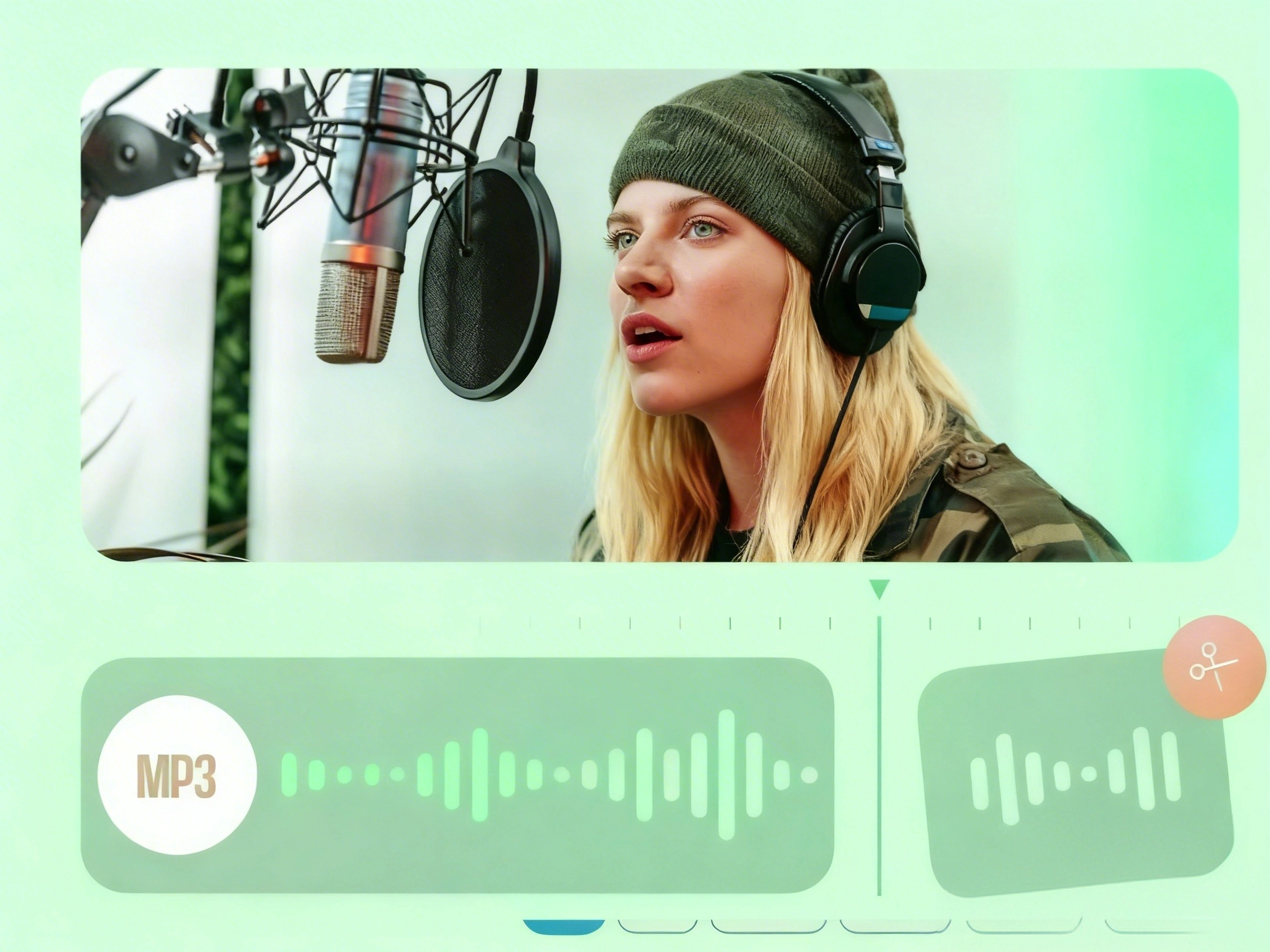
Trim and cut your audio files instantly with our high-speed tool. Make ringtones from MP3, WAV, AAC, and more without losing quality.

Why teams choose it
Everything you need to cut your audio efficiently and safely.
Our audio cutting tool supports all major audio formats, including MP3, WAV, AAC, FLAC, and M4A. Whether you are creating a custom ringtone, editing podcast episodes, trimming interviews, or refining music tracks, everything can be done easily with smooth performance and excellent compatibility.
Powered by advanced browser-based processing technology, audio trimming is completed in just a few seconds. No software installation is required, and system resources are minimally used, allowing even standard devices to deliver a fast, seamless, and efficient editing experience.
Your original audio quality is fully preserved throughout the editing and export process, with no unnecessary compression or quality loss. We take privacy seriously — all uploaded files are transferred via SSL encryption and automatically deleted from our servers after processing to keep your data safe.
Fast content cleanup
Remove pauses, bad takes, and empty intros before publishing a podcast, lesson, or voice memo.
Ready for ringtone workflows
Cut the exact chorus or hook you want, then export in the format that fits your phone.
Simple enough for one-off tasks
No editor learning curve. Open a file, set in and out points, export, and move on.
Use Cases
The existing landing pages position the product around speed and clarity, so the use-case section leans into outcomes, momentum, and low setup overhead.
Upload a raw take, mark the section you want to keep, and clean up pacing issues quickly. This fits podcasts, interviews, lesson narration, and voice memos.
When users only need one short section of music, the alternating layout works well to frame the source clip and the intended output. It fits ringtone creation, short-form edits, and soundtrack snippets.
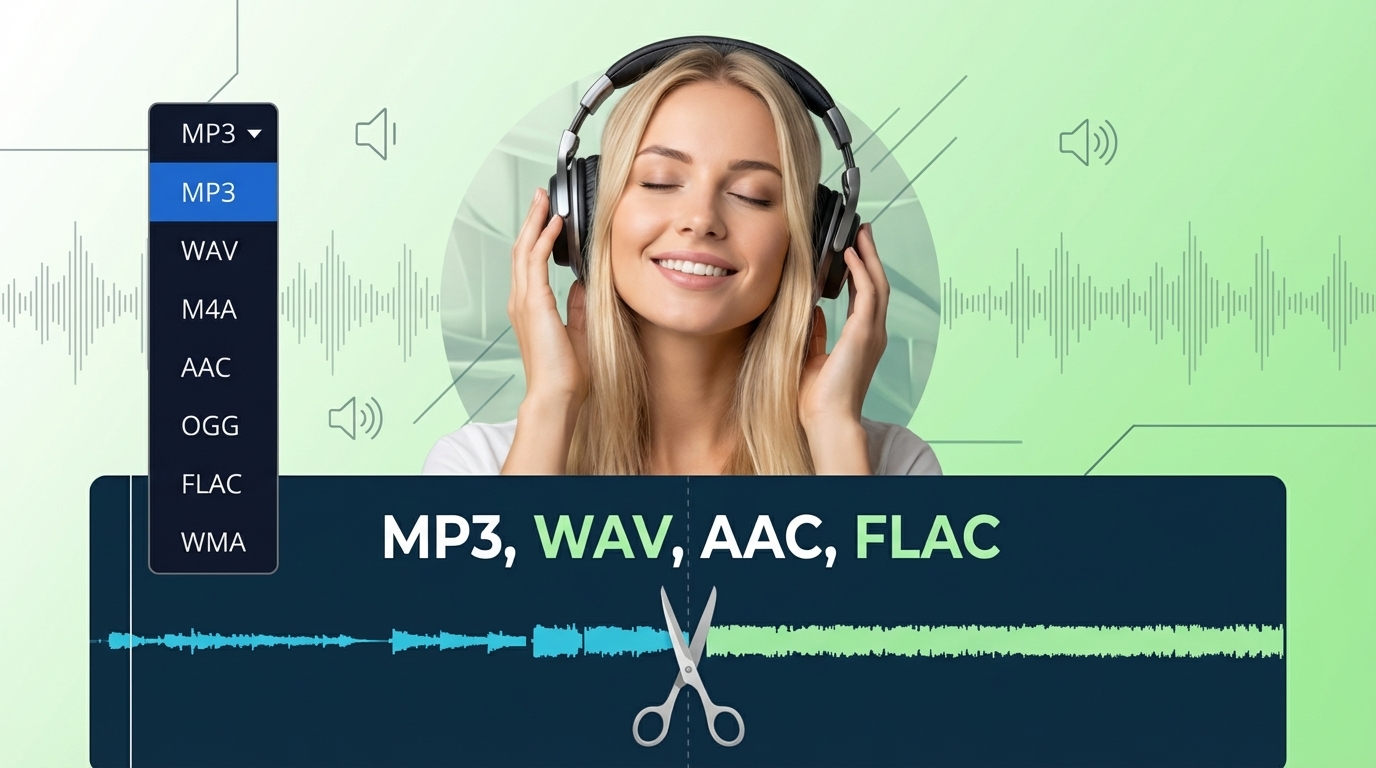
A large part of the audience only needs to process one file once. This section reinforces the browser-first value proposition: open, trim, export, and move on.
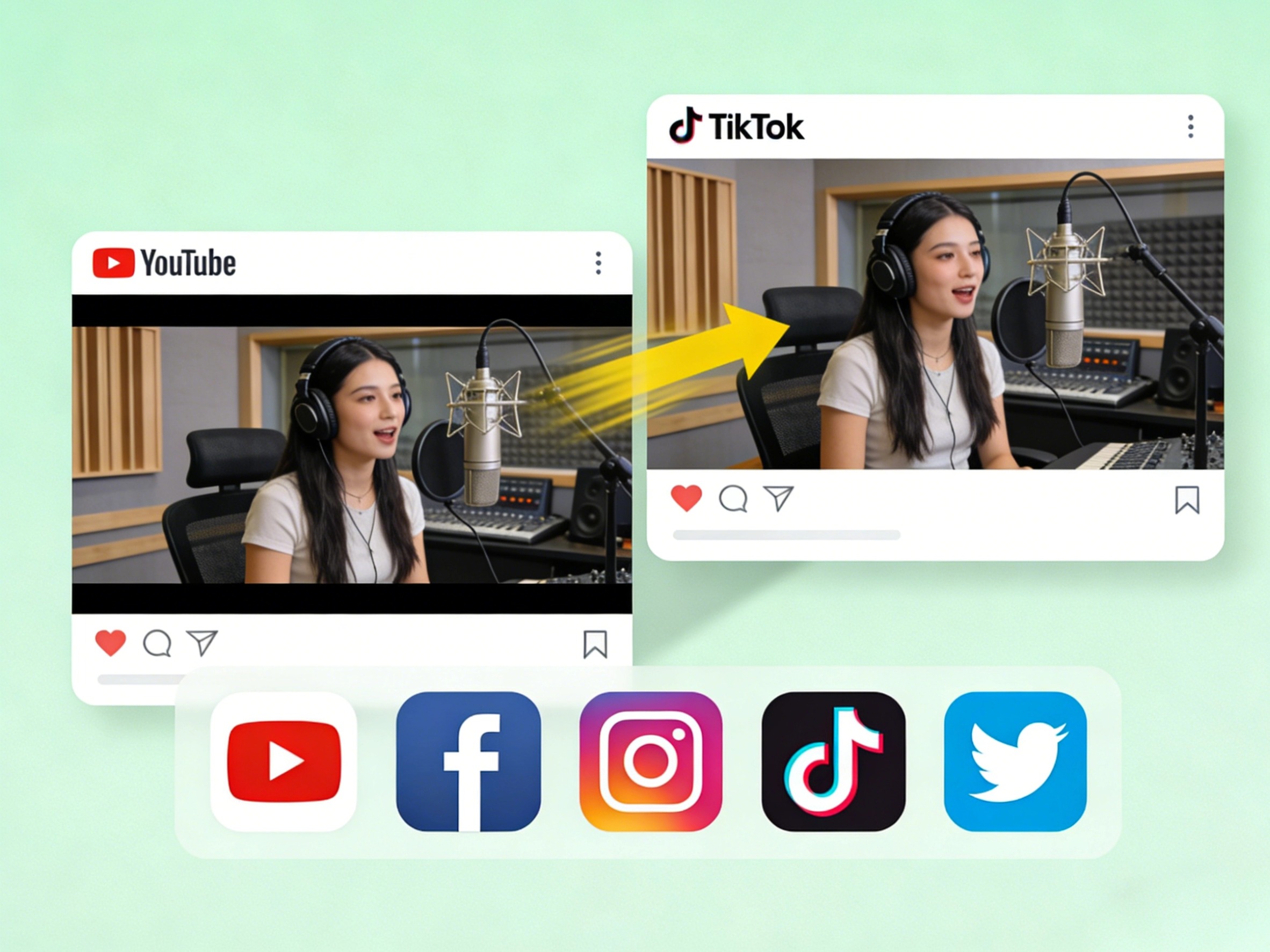
Three-step workflow
Follow these three simple steps to trim your music or recordings.
Step 1
Click the upload button or drag and drop your music file into the audio cut interface. We support various popular audio formats.
Step 2
Use the sliders to select the start and end points of the audio track. You can listen to the preview to ensure you capture exactly the segment you need.
Step 3
Select your desired output format (like MP3 or M4R for iPhone), then hit the save button to download your new audio clip instantly.
More Tools
Extract, merge, or keep trimming with the right tool.
Trim MP3 files with fast in and out point selection for music clips, ringtones, and lightweight edits.
Cut lossless WAV files quickly for recordings, interviews, and higher-fidelity source material.
Edit AAC audio more directly for mobile recordings, compressed assets, and quick delivery cleanup.
Focused on song and soundtrack edits such as chorus cuts, hook extraction, and short-form music snippets.
Pull clean audio from video files for lessons, interviews, recordings, and content repurposing.
Convert video to audio or switch audio formats quickly with one shared export workflow.
Compress MP3, WAV, M4A, AAC, FLAC, OGG, and other audio files into lighter formats with quality presets.
Join multiple audio tracks into one ordered file for chapters, spoken sections, and batch cleanup workflows.
User feedback
See why millions of users choose our tool for their daily audio editing needs.
4.9/5
Editors, creators, students, and podcasters consistently rate the workflow as fast and clear.
Zero setup
No account wall, no software install, no learning curve.
Quick export
Upload, trim, preview, and save in one short workflow.

This audio cut saved my episode! I needed to remove a long pause from a WAV recording, and it was done in seconds. Best free tool available.

I frequently need to make custom ringtones for my phone. This tool cuts precisely and lets me save in the format I need without ruining the sound quality.

I am not technical at all, but this interface is so simple. I used it to trim a song for a class presentation without dealing with complex software.

Very convenient for quick trimming, with an intuitive and smooth workflow. It supports common audio format conversions, making it highly practical for everyday fast audio processing tasks.
Supports cutting MP3, WAV, AAC, FLAC, and more. Free, secure, precision trimming, and no software download required.
Upload a file, jump into the editor, and export the exact section you need.
Support
Common questions about our audio cutting service.
Common concerns covered
Pricing, supported formats, safety, mobile compatibility, and export behavior are all addressed here.
Yes, our audio cut is 100% free to use. You can trim your music files and create ringtones without paying any fees or subscribing.
We support a wide range of input and output formats including MP3, WAV, AAC, FLAC, OGG, M4A, and M4R (for iPhone ringtones).
No installation is required. This is a cloud-based audio cut, which means you can access it directly from your web browser on Windows, Mac, or Linux.
Absolutely. We use 256-bit SSL encryption to protect your data. Your files are automatically deleted from our servers permanently after you download your cut.
Yes, our website is fully responsive. You can use the cut on your iPhone, iPad, or Android devices to make ringtones directly on your phone.
Free users can upload audio files of any size. Whether it’s a short track, a long recording, or a multi-hour DJ mix, it can be processed without any file size limitations.