
How to Extract Audio from Video Online for Free (5 Best Tools 2026)
Video is watching. Audio is absorbing.
So here's a situation that comes up more than you'd think. You're watching a video — could be a YouTube video, a live concert clip, a Zoom call you saved — and you realize you just need the audio. Not the video. Just the sound.
Maybe you want to turn an interview recording into a podcast episode. Or you found a TikTok video with the perfect music track and you want it as your video BGM. Whatever the reason, figuring out how to extract audio from video shouldn't take longer than the extraction itself.
The tools below each handle this differently. Some are fast and simple. Some are built for professionals who need more control. And one does something completely different — it's easy to use and free online.
In this guide, I'll tell you what each one is actually good for so you can pick the right one without guessing.
When you need to extract audio without losing quality?
One thing worth knowing before you pick a tool: tools work differently behind the scenes. Some pull the audio track out directly — no processing, no re-encoding — which means what you get out is identical to what was in the video. Others decode the audio and encode it again into a new format. That second method usually works fine, but it can introduce small quality losses, especially at lower bitrates.
When you need to extract audio without losing quality, the difference matters. It's worth checking what format options a tool offers. If WAV or FLAC isn't available and MP3 is the only output — that's a sign the tool is converting, not just extracting.
Okay. On to the tools.
1. Audio Cut — Best Free Online Audio Cut without losing quality
Introduction: Audio Cut is a free online tool for someone who wants to extract audio from video without having to install bulky software. It supports common formats like MP3, WAV, AAC, FLAC, and M4A. Audio Cut keeps the original sound quality intact and handles files securely—any files you upload are deleted right after they’re processed.
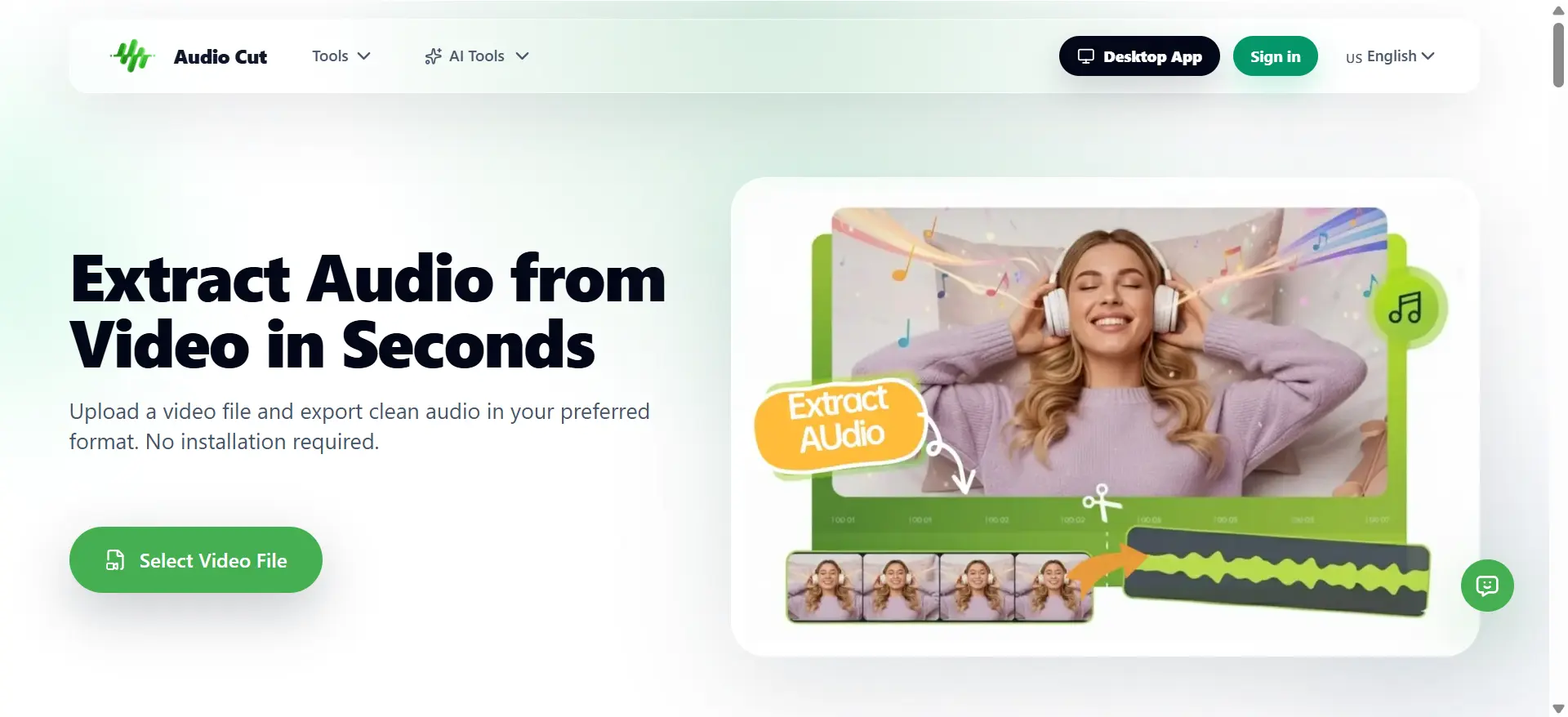
Unique Advantages:
Lossless Quality & Privacy First
Your original audio quality is fully preserved throughout the editing and export process, with no unnecessary compression or quality loss. All uploaded files are transferred via SSL encryption and automatically deleted from servers after processing to keep your data safe.
Multiple Export Formats
Supports export to WAV, MP3, M4A, AAC, OGG, FLAC, and WMA. Keep quality and compatibility under control.
No-Install, Zero-Footprint: Since it runs entirely in your browser, it doesn't matter if you’re on a mobile phone, a Chromebook, or a high-end Mac. No downloads, no account registrations, and no storage-hogging apps.
Target Users: Who needs to extract audio from video quickly and cleanly — podcast producers pulling interview audio, influencers extracting audio for their video BGM, content creators grabbing a voice track from a screen recording — this covers it without any overhead.
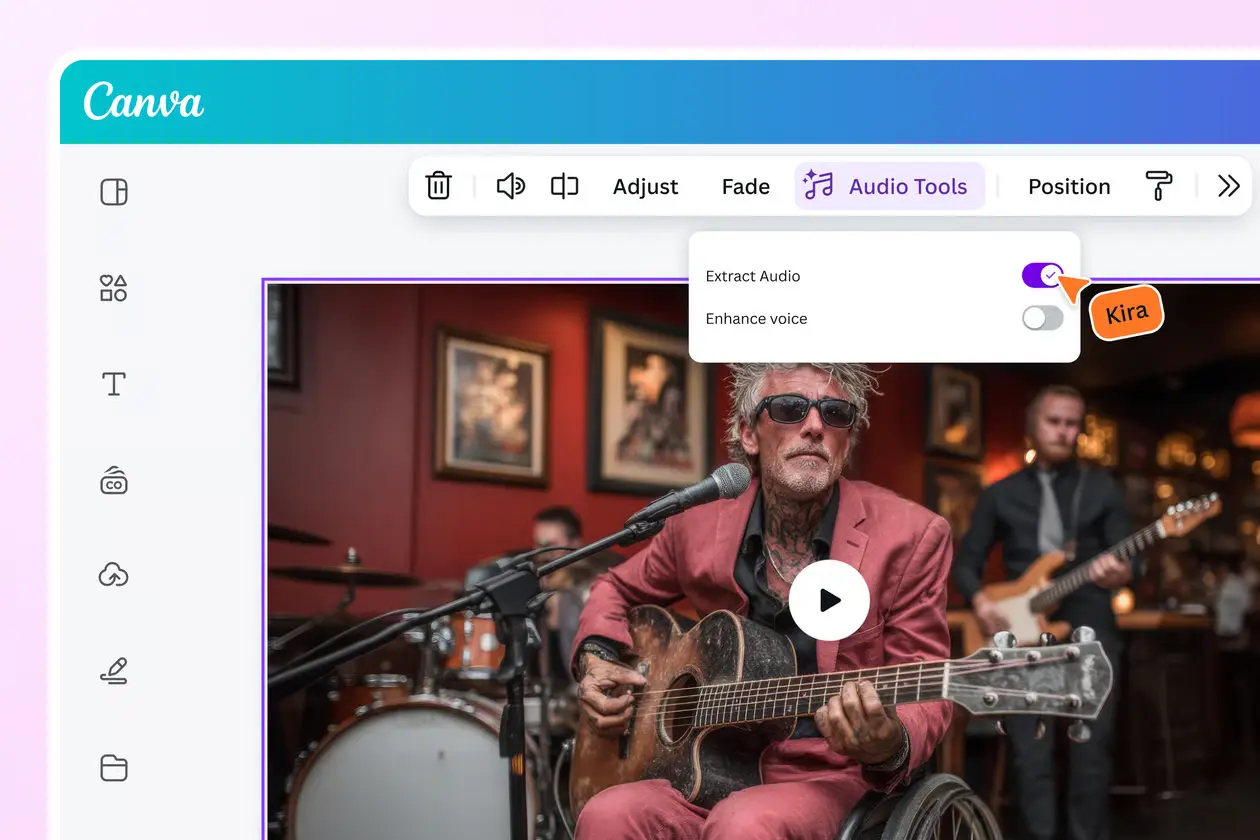
2. Canvas — When You Need to Design Around Your Audio
Introduction: Canvas is far more than just a graphic design tool. It allows you to import video, isolate the audio, and immediately integrate it into a new visual project. It’s the go-to when you don't just want a raw audio file, but want to transform that sound into a polished social media post or presentation.
**Unique Advantages: ** One of its key benefits is the ability to pull audio from a video and place it over new images, stickers, or branding without needing to jump between different apps. It also has an AI-powered Vocal Enhancer that helps reduce background noise and balance volume while you edit.
Target Users: Social media managers and entrepreneurs who are already in the Canva ecosystem. It’s perfect for anyone who needs to take a "meh" sounding clip and clean it up — though output is limited to MP4 format.
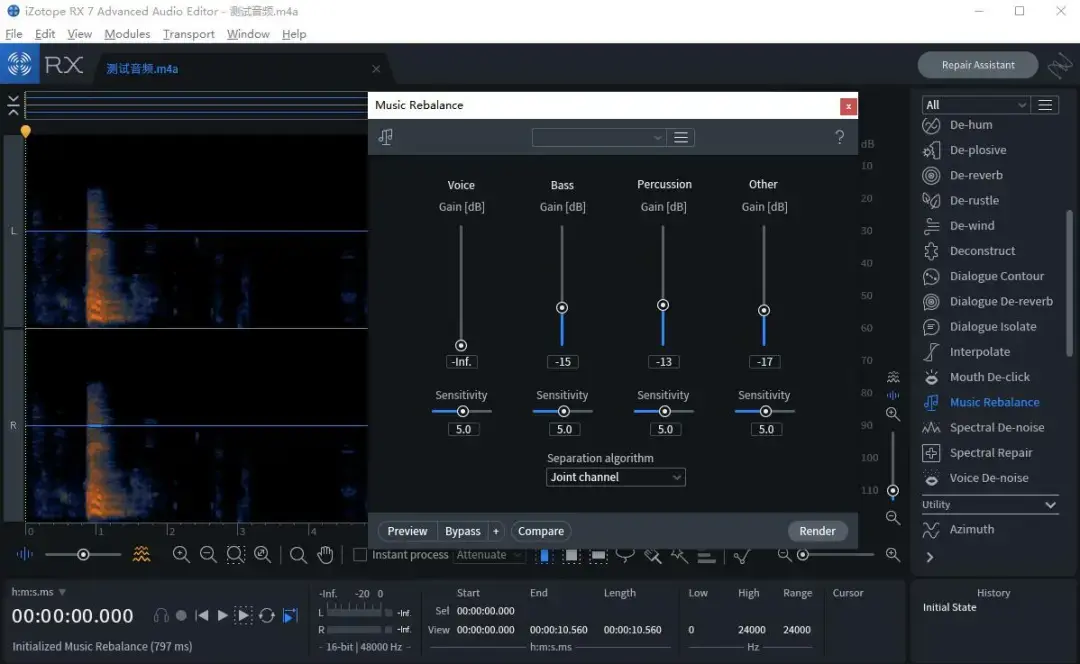
3. iZotope RX — The One Professionals Actually Use
Introduction: iZotope RX is in a different category from everything else on this list. It's industry-standard software used in film, television, and music production — not a casual tool you'd reach for to grab audio from a YouTube clip. This is what audio engineers and post-production teams open when the audio has real problems that need real solutions.
Unique Advantages: What sets RX apart isn't the extraction itself — that part is straightforward. It's what you can do with the audio immediately after. Remove hum, clicks, reverb, and wind noise with surgical precision. Clean up dialogue from a film scene without touching the surrounding ambience. Pull an instrumental track from a music video where the channels are bleeding into each other. That level of control simply isn't available in casual tools.
Target Users: Someone working on a documentary, a podcast series, or a commercial voice-over — anything where audio quality is non-negotiable — and who needs to extract audio without losing quality from difficult source material. It's expensive and has a learning curve, so it's overkill for simple jobs — but for professional work where the output has to be clean, nothing else comes close.
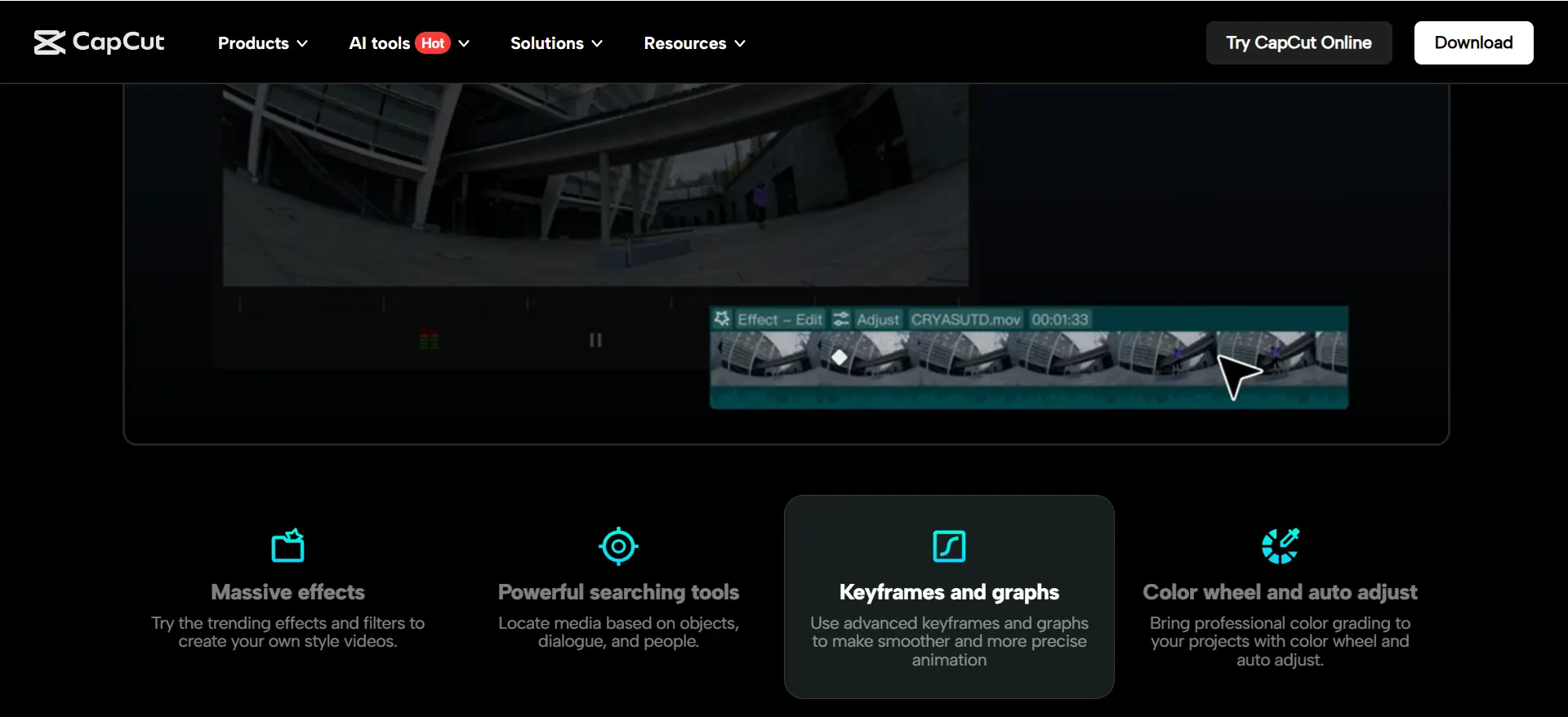
4. CapCut (剪映) — The Easy Choice If You're Already Editing on Your Phone
Introduction: CapCut — known as 剪映 in China — has become one of the most widely used mobile editing apps globally, and its audio extraction feature is one of the smoothest around: no settings to configure, no format to research, the app just handles it instantly. But here's the catch — this feature now sits behind a VIP paywall.
Unique Advantages: After extracting the audio, you can immediately trim the clip, adjust volume, layer it under another video, add effects, or sync it to a new timeline — all without switching apps. It's genuinely useful for creators who don't want to bounce between tools.
Target Users: For anyone learning how to extract audio from video for the first time — especially if they're already using CapCut for video editing — this is the lowest-friction starting point on the list, VIP requirement aside.
5. Vocal Remover — Not Exactly Extraction, But Often What People Actually Want
Introduction: AudioCut's AI Vocal Remover takes a different approach from the other tools here. Rather than pulling the full audio track out of a video, it separates the audio into stems — isolating the vocals from the instrumental backing track, or vice versa. It's a more specialized function, but it fills a real gap.
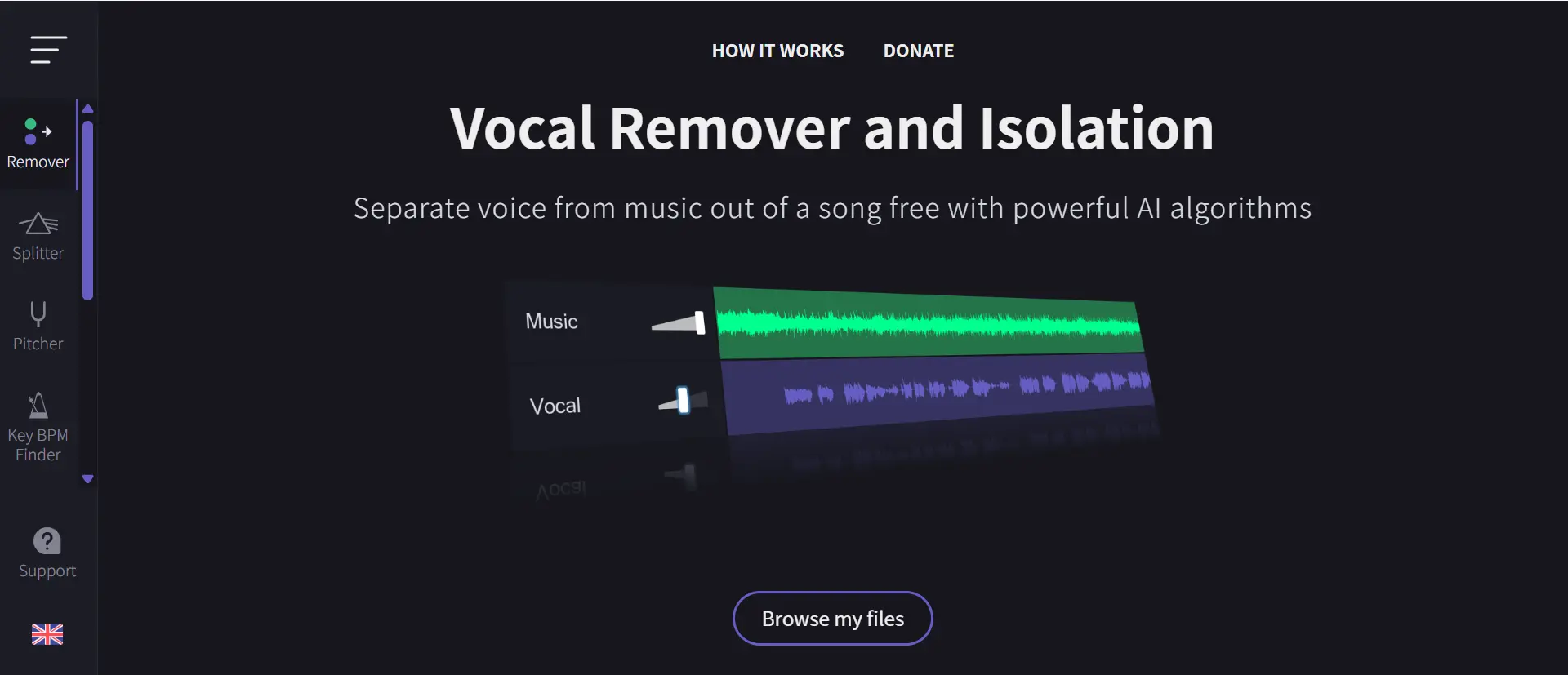
Unique Advantages: The separation is clean and the interface is minimal: upload your file, click extract, download what you need. Multiple output formats are supported. As a free audio extractor built specifically for stem separation, the simplicity is one of its strengths. Worth noting: separation quality depends on the source — tracks with clear distinction between vocals and instruments produce better results than heavily compressed or mixed recordings.
Target Users: The use case is specific but surprisingly common. You have a live performance video and want just the backing track to practice over. You need a karaoke version of a song. You're sampling just the instrumental layer from a recording. For any of those situations, a standard audio extractor won't do the job — you need actual stem separation, and Vocal Remover handles it without any technical setup.
So Which One Should You Use?
Honestly, it comes down to your specific situation more than anything else.
| Your situation | Tool to reach for |
|---|---|
| One-off extraction, don't want to install anything | AudioCut (browser-based) |
| Integrated Workflow | Canva |
| Professional repair or complex audio problems | iZotope RX |
| Editing the audio right after extracting | CapCut |
| Separating vocals from instrumental | Vocal Remover |
For most people who just want to extract audio from video online right now without any setup, the most direct route is a browser tool. AudioCut's extract audio pulls the audio track directly from your video — no re-encoding — and exports to WAV, FLAC, MP3, or AAC. No account required, no file size caps, works on any device.
How to Use AudioCut: Step-by-Step Tutorial
How to use: Pulling audio from a video with AudioCut takes about a minute:
- Open the tool — Go to AudioCut's extract audio page in any browser. No app to install, no account to create.
- Upload your video — Drag your file in or click to browse. It accepts common formats like MP4, MOV, WebM, and AVI.
- Preview the track — Listen on the timeline to confirm you've got the right clip before exporting.
- Pick your format — Choose WAV or FLAC for lossless quality, or MP3/M4A if you need a smaller file.
- Download — Hit export and save the audio. Your file is deleted from our servers right after processing.
.webp)
Quick Format Reference (Because This Part Trips People Up)
Whatever tool you use, the output format matters more than most people realize.
- WAV — Lossless and uncompressed. Always safe. Use this if you're going to edit the audio afterward.
- FLAC — Also lossless, but compressed. Smaller files than WAV with no quality loss. Great for archiving.
- MP3 at 320kbps — Small file, slight compression. Fine for publishing or sharing where file size matters.
- MP3 at 128kbps — Avoid this if you care about how it sounds. The compression is audible, especially in music.
The key rule when you want to extract audio without losing quality: don't export to a lower bitrate than the source. If the original audio was 192kbps, exporting to 128kbps makes it permanently worse. Go to WAV when in doubt — you can always make a smaller MP3 copy later.
That's Basically It
There's no single best tool for how to extract audio from video — just the right tool for your situation. Quick job with no install? AudioCut. Mobile editing with post-processing built in? CapCut. Need studio-quality repair on difficult source material? iZotope RX.
Start with whatever fits your workflow. Most of these have free tiers or free trials, so you don't have to commit before you know it works for you.
👉 Want to try the no-install option right now? AudioCut - extract audio — free, no signup, lossless WAV export available. Once you've extracted the track, you can use our Audiocut to refine the clip.
Extracting Audio on iPhone and Android
Most modern phones handle browser-based extractors without a problem, so you don't need a desktop computer to get the job done.
- On iPhone (Safari): Open AudioCut's extract audio tool in Safari, upload your video, and export. iOS keeps downloaded audio inside the Files app, so the exported track lands there — from where you can share it to a message, drop it into an editor, or turn it into a custom ringtone.
- On Android (Chrome): The same page works in Chrome. Downloads save straight to your Downloads folder, where you can move the file into the Ringtones folder or open it in any player.
The whole process stays in the browser, so there's nothing to install and no account to sign up for — handy when you're away from your laptop and just want the audio now.
Audio Cut Frequently Asked Questions
How can I extract audio from video without losing quality?
To maintain original quality, use a tool like AudioCut that supports 'Direct Extraction.' Exporting your file to a lossless format like WAV or FLAC ensures no data is lost during the process.
What is the best free online tool for audio extraction?
AudioCut is the best browser-based option for most users because it requires no installation, is completely free, and handles files securely with automatic deletion after processing.
Can I extract audio from a video on my phone?
Yes, you can use mobile-friendly browser tools like AudioCut or dedicated apps like CapCut. Most modern online tools work seamlessly on both iPhone and Android devices.
Is it safe to use online video to audio converters?
We take privacy seriously — all uploaded files are transferred via SSL encryption and automatically deleted from our servers after processing to keep your data safe.