The 10 Best AI Stem Splitters and Vocal Removers for 2026
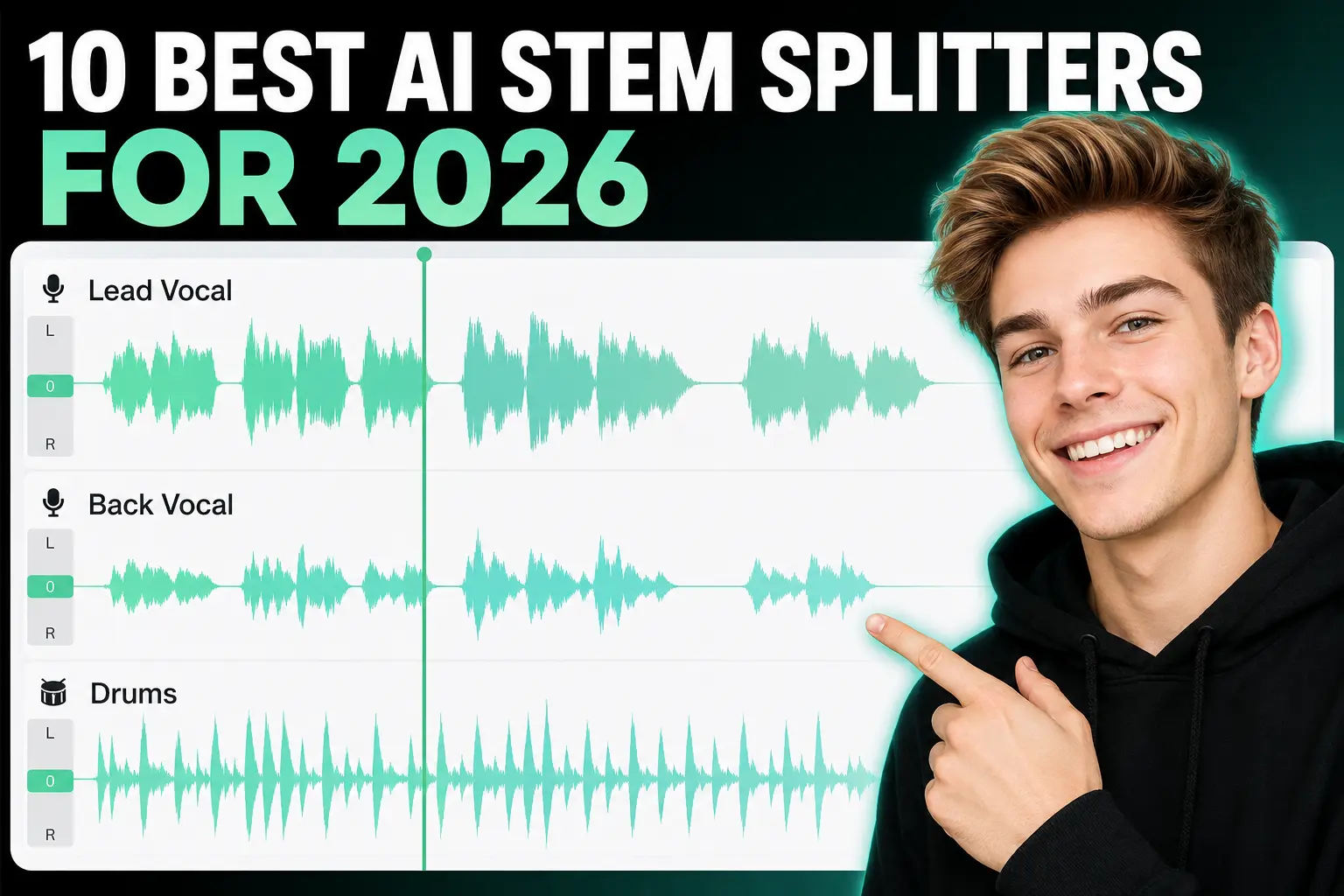
AI stem splitters have evolved rapidly thanks to continuous upgrades on Demucs and Spleeter open-source AI models throughout 2025–2026, bringing cleaner multi-track separation for music creators, DJs, studio producers and casual karaoke enthusiasts.
If you need to split audio and want to learn how to separate music tracks, bookmark this guide. We’ve rounded up the best popular AI audio splitters of 2026 for your future use.
Contents
- What are AI stem splitters and vocal removers?
- The 10 best AI stem splitters and vocal removers
- How to Use Splitter AI A Step-by-Step Guide
- Comparison Table Top 10 AI Tools
- Final Thoughts Which AI is Right for You
- FAQ on AudioCut Splitter AI
What are AI stem splitters and vocal removers?
An AI stem splitter (also known as a stem separator) is a software tool that can split a fully mixed song file into individual sound files for each instrument layer. These isolated layers are called stems. While a specialized removedor vocal focuses exclusively on isolating or removing vocals, advanced stem splitters can separate a mix into multiple distinct layers, such as bass, drums, guitar, and "other instruments."
The most common uses for an AI stem splitter include creating remixes, mashups, DJ edits, and karaoke instrumentals. These tools utilize machine learning algorithms trained to recognize the frequency material of specific sounds and isolate them automatically.
Many tools use the same open-source algorithms packaged in different wrappers. The two major open-source frameworks to separate music are Spleeter (developed by Deezer’s audio research team) and Demucs (developed by Meta’s AI research lab). Despite sharing underlying algorithms, different platforms offer varying levels of usability, processing speed, and features.
The 10 best AI stem splitters and vocal removers
1. AudioCut (Best All-in-One Browser Solution)
- Type: Browser-based
- Operating System: Any system with a modern web browser
- Best For: Creators who need a free stem splitter ai lossless workflow without installation.
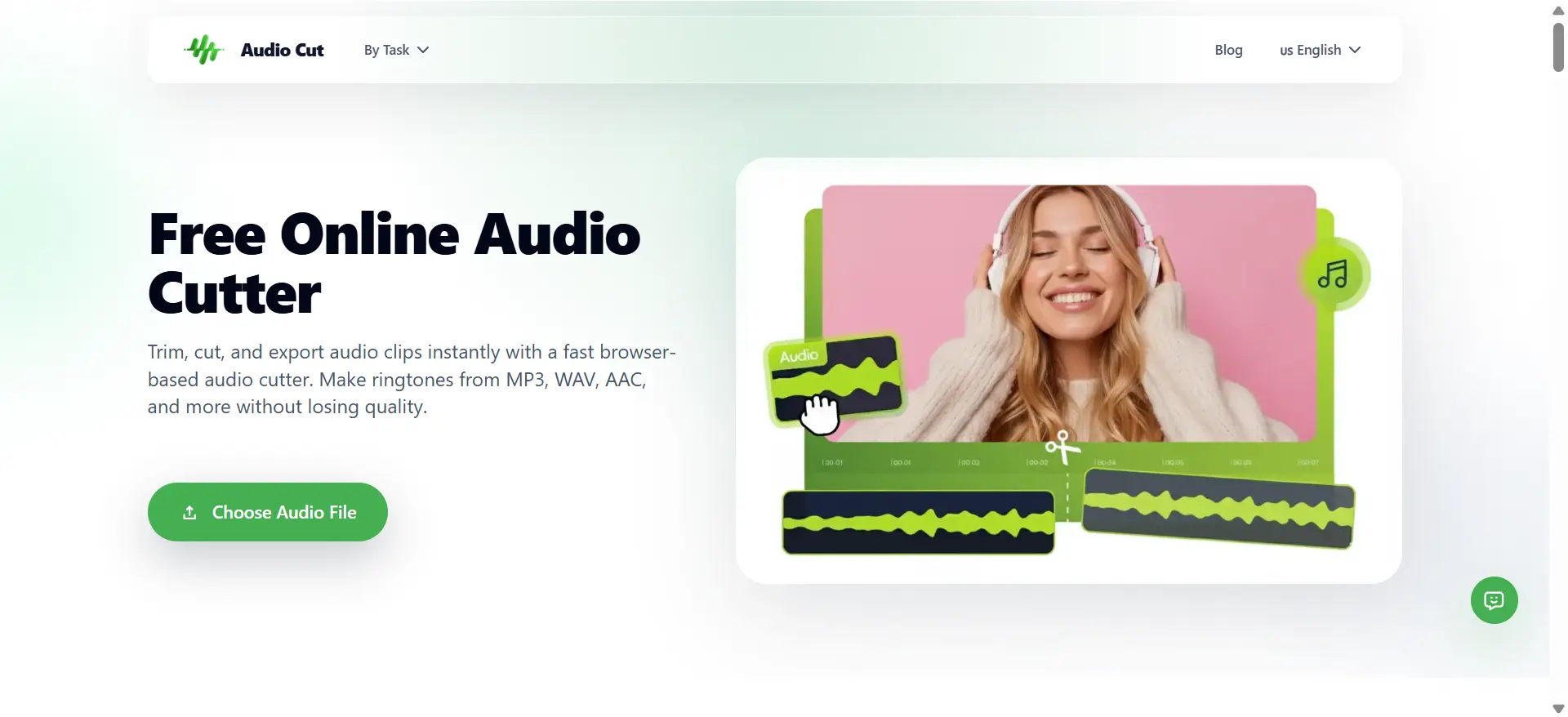
AudioCut is a rapidly rising web-based audio utility designed for creator workflows. Known for its streamlined, browser-first architecture, AudioCut allows users to instantly separate music without downloading heavy desktop software. Its advanced Splitter AI engine handles vocal removal and multi-stem isolation (drums, bass, vocals, and instruments) with impressive acoustic clarity and minimal artifacts.
When the Splitter AI workflow completes, the returned stems open directly in the multitrack editor so you can review, trim, rename, and export right away. If you are looking for a reliable free stem splitter ai lossless solution that ensures ironclad privacy, AudioCut stands out as an exceptionally user-friendly option.
✅ Pros: Zero installation, strict file privacy policy, free lossless export, built-in post-edit multitrack workspace, supports both MP3 audio & MP4 video input via local upload or remote URL. AudioCut is 2026 best free vocal remover.
❌ Cons: Due to a large number of free users, processing waits can be a little long. Aside from minor queue delays, the site works flawlessly and is a hidden gem.
2. Splitter.ai(Best Cross-Platform AI Stem Splitter)
- Type: Cloud Web / Desktop / Mobile (iOS & Android)
- Operating System: Windows, macOS, all modern browsers, mobile devices
- Best For: Producers, DJs and creators needing flexible cross-platform stem extraction and YouTube splitting
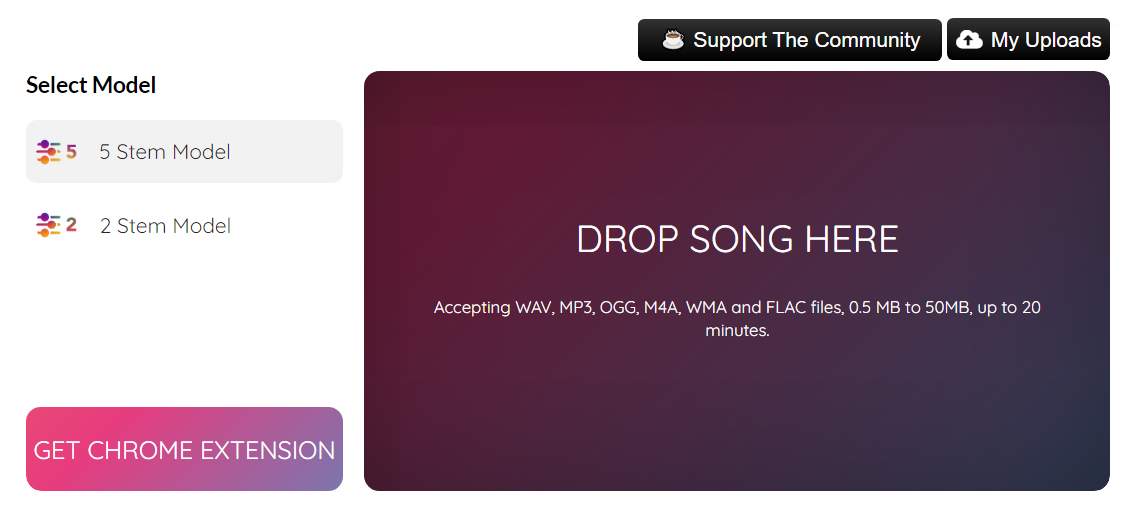
Splitter.ai is a Sweden-based AI audio tool built by a professional Hollywood music producer. It supports both free 2-stem and 5-stem AI separation to extract vocals, drums, bass, piano, and other instruments. Users can upload local audio or split YouTube links directly without downloading files. It also offers professional features including HQ separation, reverb removal and noise reduction via Splitter PRO. Processed stems can be previewed, adjusted, and exported for DAW projects quickly.
✅ Pros: Full cross-platform support, free 5-stem extraction, direct YouTube splitting, built-in denoise & reverb removal tools
❌ Cons: No native DAW plugin version, high-quality HQ modes and advanced features require PRO subscription
3. Vocal Remover (Best for Fast Backing Tracks)
- Type: Browser-based
- Operating System: Any system with a modern web browser
- Best For: Casual users who need a quick 2-stem breakdown (vocals and instrumental) for karaoke.
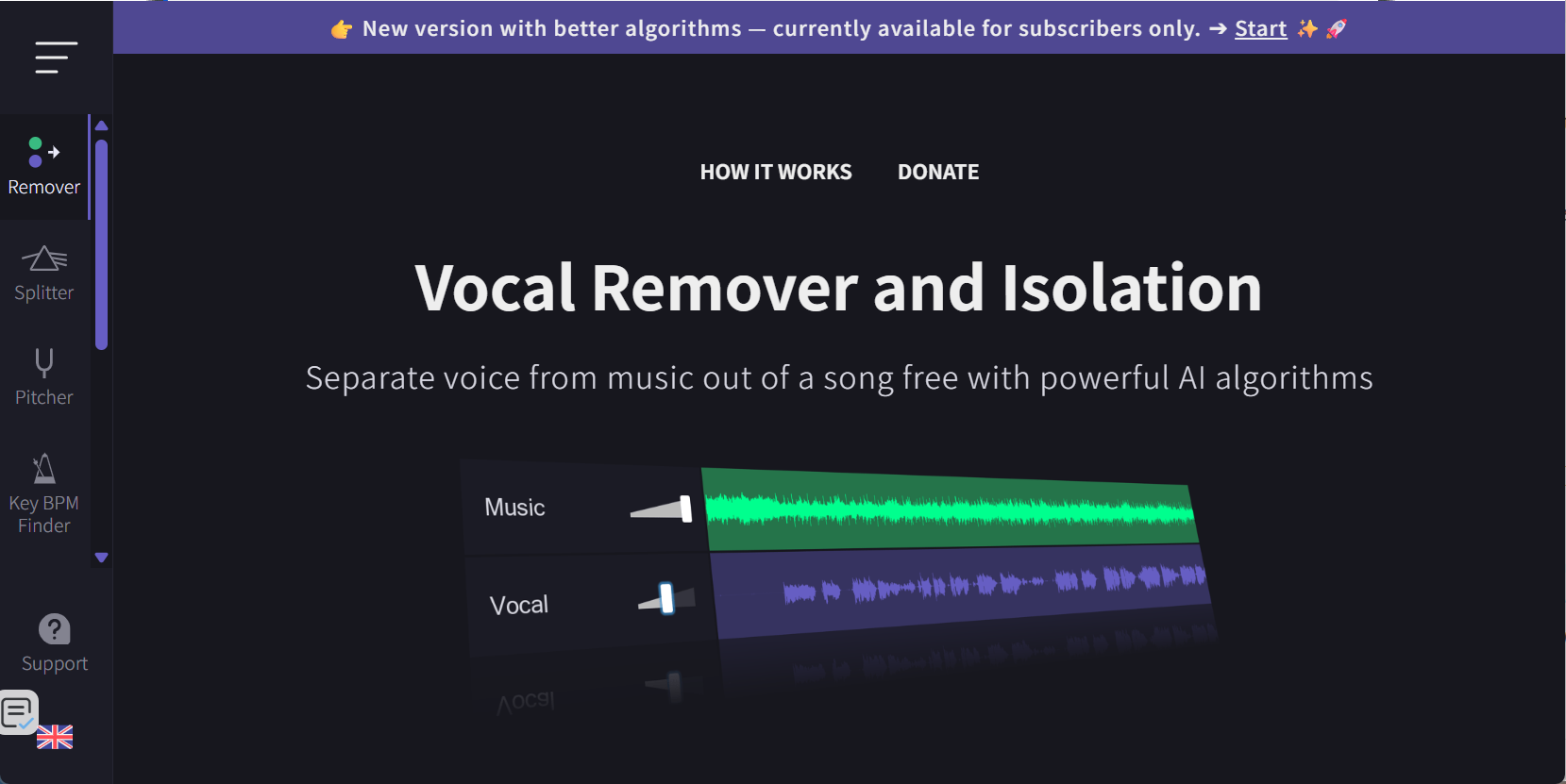
True to its name, this web utility specializes in separating vocals from instrumental backings quickly. Using it is free, but the platform imposes an unspecified cooldown period between uses unless you subscribe to the developer’s Patreon. While fast, the vocal track can show noticeable instrument bleed compared to more robust, modern cloud architectures.
✅ Pros: Ultra-fast two-stem extraction, free core function for occasional use
❌ Cons: Regular free-use cooldown, frequent instrumental bleed on vocal tracks, no multi-layer stem separation
4. Voice.ai(Best Quick Browser-Based Online Stem Splitter)

- Type: Browser-based web tool
- Operating System: All devices with mainstream browsers
- Best For: Content creators & podcasters needing fast online vocal/stem splitting
Powered by in-house AI algorithm, Voice.ai’s stem splitter runs fully online without installation. Users upload MP3/WAV/FLAC files to split into vocals, drums, bass and instrumental stems rapidly, preview separated tracks via solo/mute before export for later DAW editing.
✅ Pros: Zero setup, beginner-friendly UI, free limited splitting for casual use, supports podcast & music audio processing
❌ Cons: No DAW plugin or desktop client, high-res lossless export locked behind premium paid plan, free tier has file duration cap
5. Loudly(Best for On-the-Fly Remixing)
● Type: Browser-based
● Operating System: Any system with a modern web browser
● Best For: DJs and mashup artists looking for automatic key matching and remix tools built around stems.
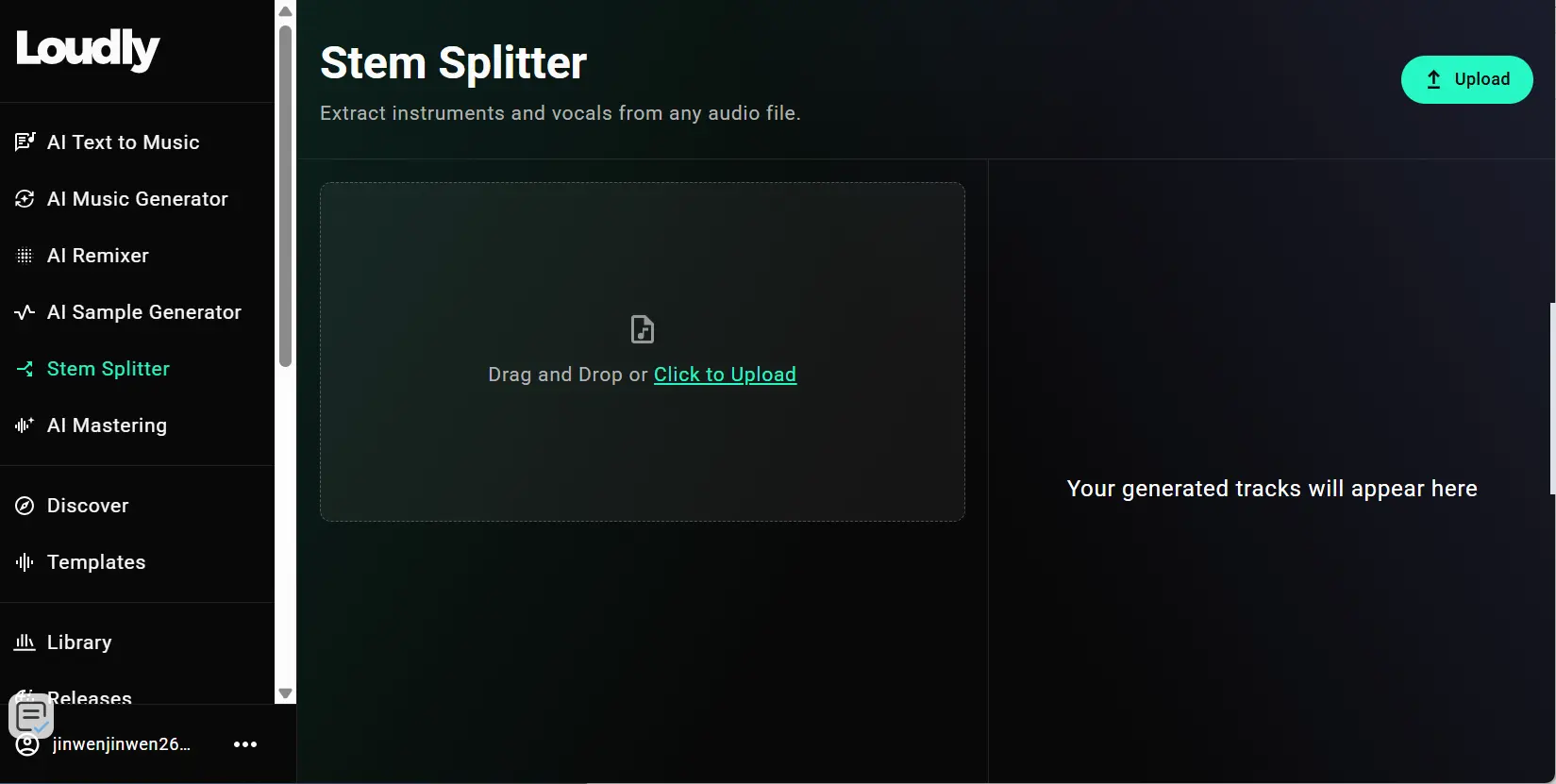
This all-in-one web platform combines AI stem splitting and native remix functions. Free registered users split songs into multi-instrument stems via local upload or direct YouTube link input, with MP3 downloads available at no cost. Paid subscriptions unlock lossless WAV export, multi-layer instrument separation and built-in auto key detection for seamless mashup production.
✅ Pros: Supports YouTube direct split, auto key matching for remixing, free basic stem extraction, lossless WAV on premium tier.
❌ Cons: Free plan has monthly processing minute caps, advanced multi-stem options locked behind subscription fees
6. Gaudio Studio (Best for Clean Cloud Processing)
- Type: Browser-based
- Operating System: Any system with a modern web browser
- Best For: High-quality vocal and multi-stem extraction without putting a heavy load on local hardware.
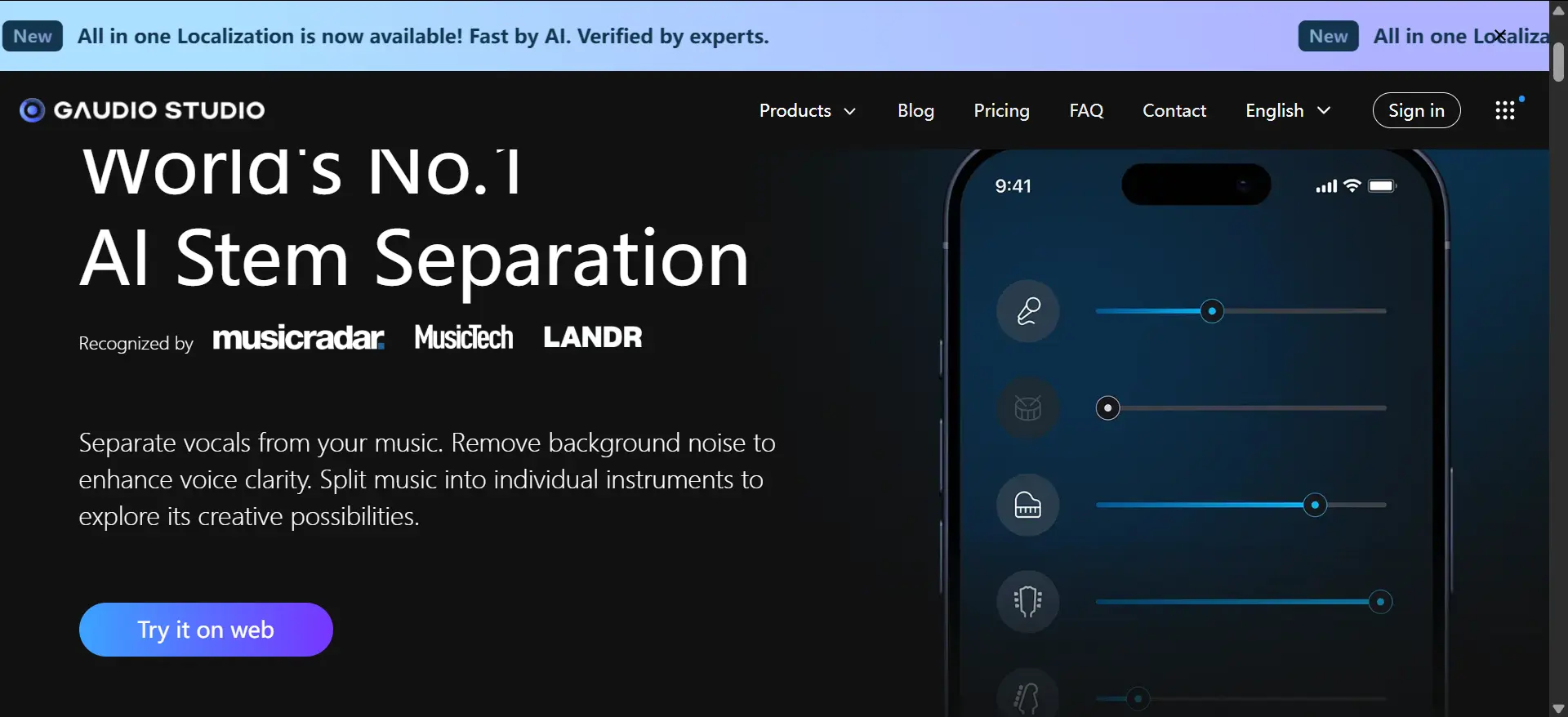
Gaudio Studio is a premium browser-based tool that runs on dedicated cloud processors rather than local computer hardware. The separation quality is exceptionally clean, delivering striking clarity across vocal, bass, drum, and instrumental stems. Once you sign up with your Google account, it’s very easy to upload the song you want to split, select the instrument layers you want to isolate, and submit your song to the queue.
✅ Pros: Zero local hardware consumption, premium-grade separation clarity, intuitive Google one-click login
❌ Cons: Pay-as-you-go cloud credit pricing structure, expensive for bulk batch processing multiple songs
7. LALAL.AI (Best for Granular Instrument Isolation)
- Type: Browser-based
- Operating System: Any system with a modern web browser
- Best For: Users looking to isolate niche stems like synthesizers, acoustic guitar, or electric guitar.
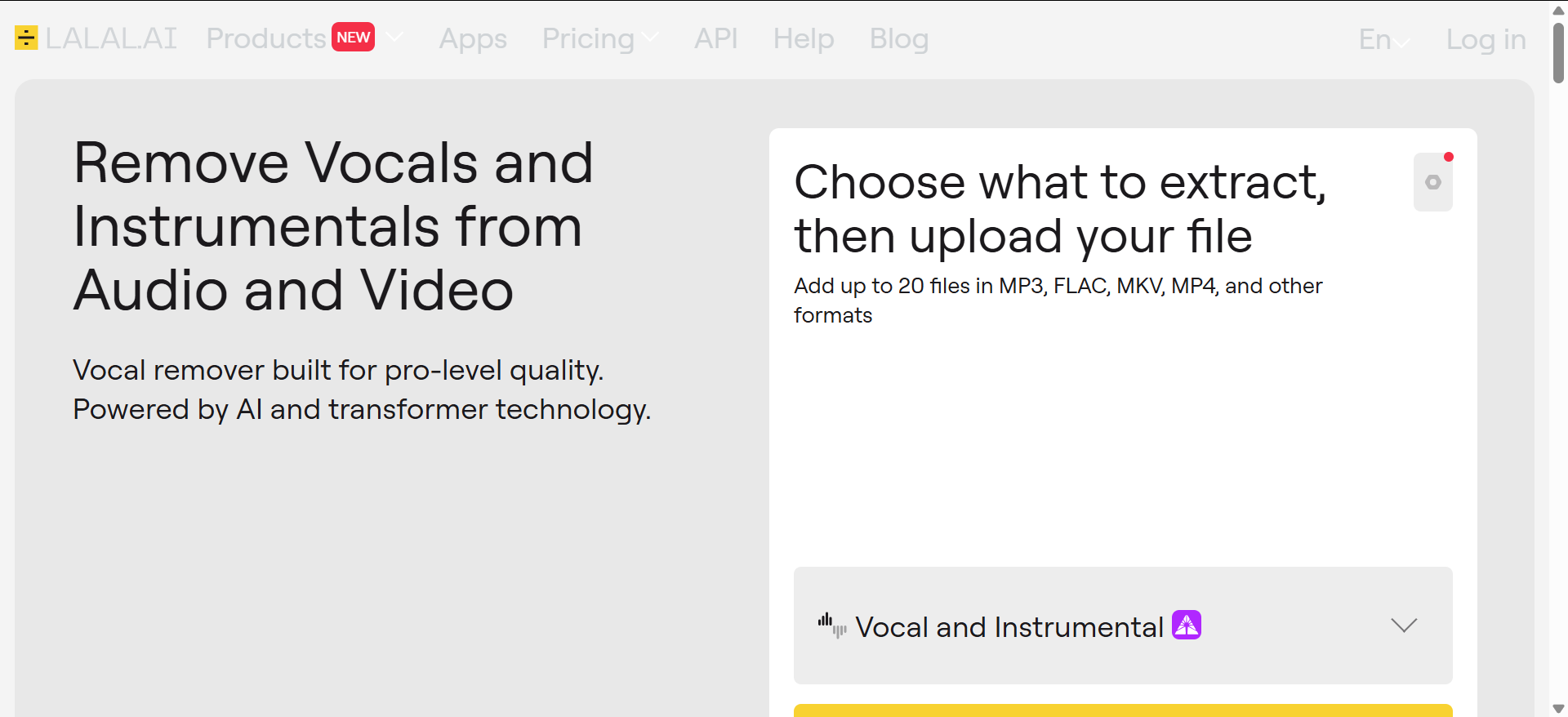
LALAL.AI is one of the more well-known stem splitters that can be used in your browser. In addition to serving as a quick removedor vocal, it offers a wide range of instrument types to isolate, including specific instruments like acoustic guitar, electric guitar, and synthesizer. While it features an impressive range of target options, the separation quality can occasionally be hit-or-miss depending on the source material and settings.
✅ Pros: Diversified niche stem selection, beginner-friendly interface, quick cloud processing
❌ Cons: Inconsistent separation quality on crowded multi-instrument mixes, free plan caps file length and export resolution
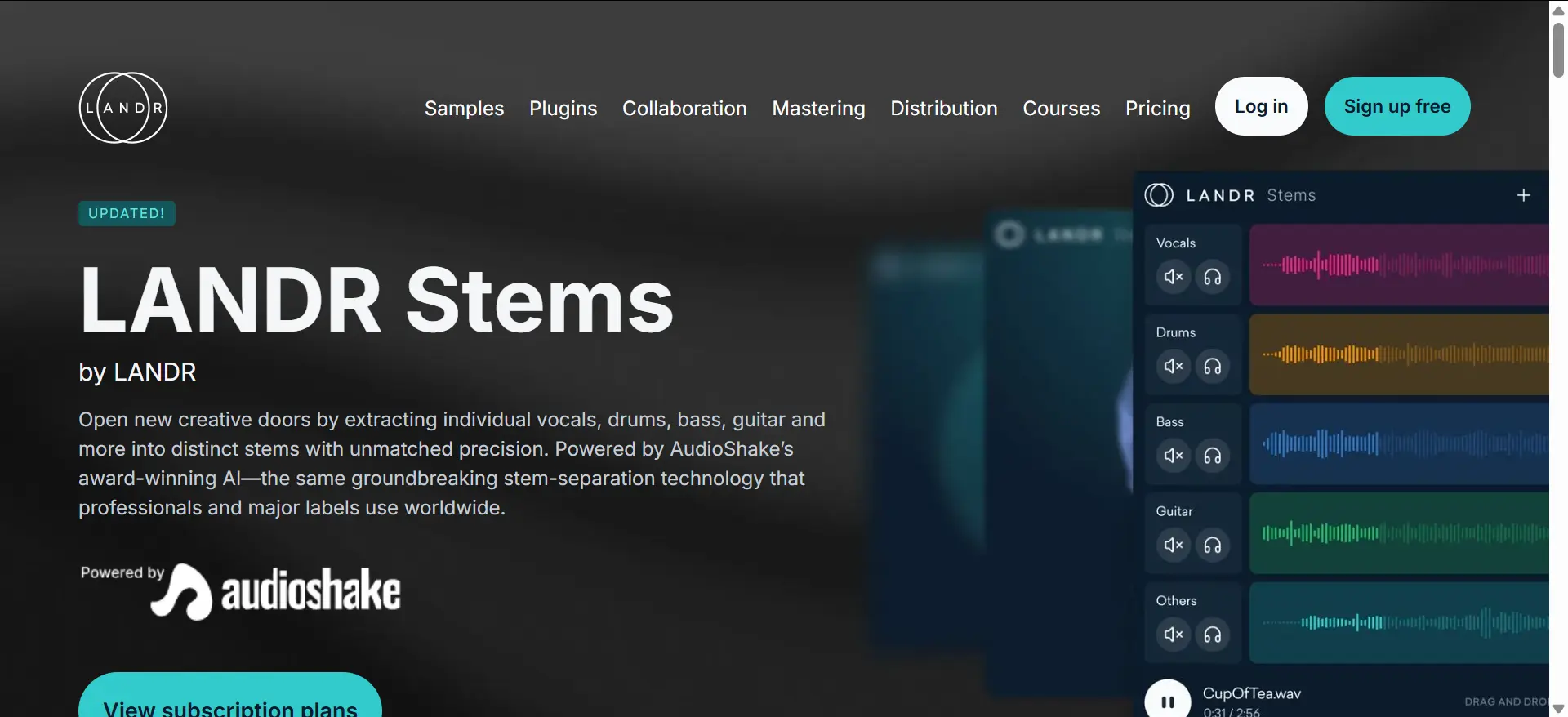
8. LANDR Stems (Best for DAW Integration)
- Type: AAX, VST3, AU plugin
- Operating System: macOS, Windows
- Best For: Studio producers who want to isolate stems directly inside their mixing session.
Powered by AudioShake’s industry-leading licensed AI engine, LANDR Stems runs entirely as an embedded plugin inside your preferred DAW such as Logic Pro, Ableton Live and Pro Tools. Users drag target audio clips into the plugin panel, and the AI extracts four core stems (vocals, drums, bass, other instruments) within several seconds. Separated stems support instant solo/mute preview and direct drag-drop onto DAW timeline tracks without intermediate file export.
✅ Pros: Seamless DAW workflow, no extra file conversion, stable separation for professionally mastered studio tracks
❌ Cons: Full feature locked behind recurring subscription pricing, no standalone browser or desktop version for quick one-off splits
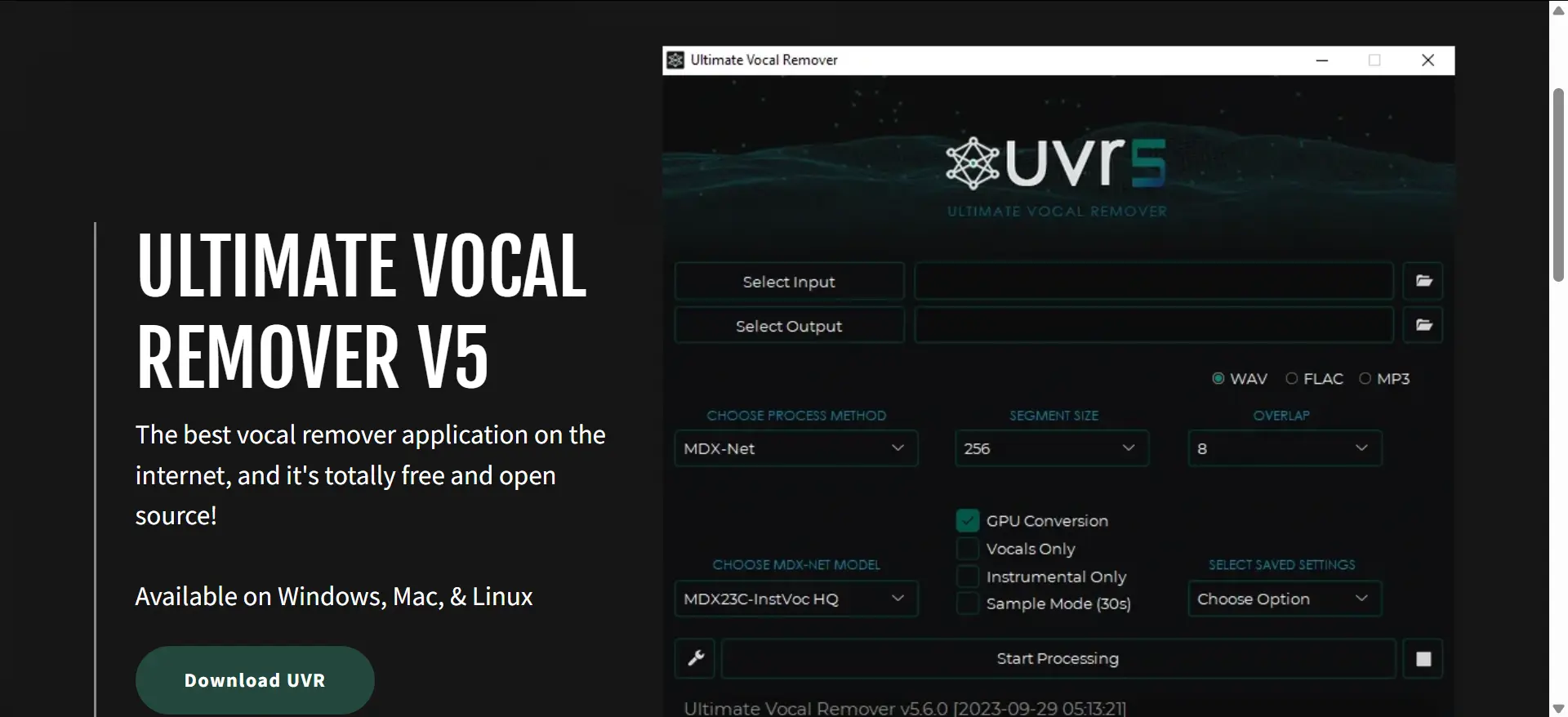
9. Ultimate Vocal Remover 5 (Best for Maximum Separation Quality)
- Type: Standalone application
- Operating System: macOS, Windows, Linux
- Best For: Power users and audio engineers who want full control over algorithms for perfect results.
For power users who prioritize extraction quality over a simple interface, UVR5 is widely regarded as a gold standard in the AI stem splitter industry. Not only can you select between algorithms, you can even use an “Ensemble” mode that uses multiple algorithms simultaneously to give you the instrument-specific benefits of each. Testing a Demucs v4 model on a six-minute song yielded excellent, high-quality separation in about six minutes.
✅ Pros: 100% completely free forever, full algorithm customization, no file limit or export compression
❌ Cons: Steep learning curve for newbies, requires decent local CPU/RAM resources, no built-in audio editing tools post-split
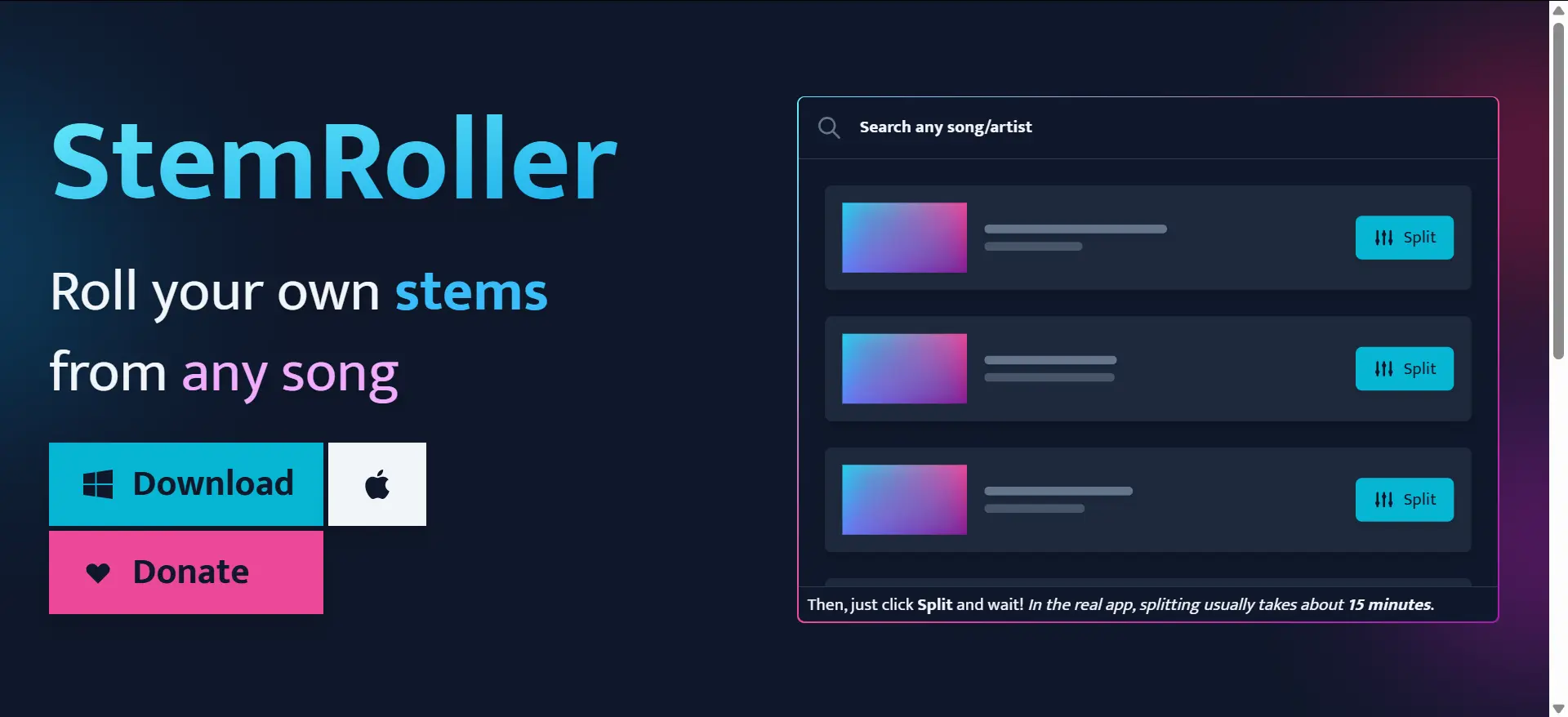
10. StemRoller (Best Free & Simple Desktop App)
- Type: Standalone application
- Operating System: macOS, Windows
- Best For: Users who want free Demucs v4 quality without setting up complicated configurations.
Built exclusively on updated Demucs V4 open-source codebase, StemRoller strips away UVR5’s complex parameter settings to deliver pure drag-and-drop simplicity. Users drop audio files directly into the program window to launch automatic splitting instantly; besides four standard stems, it auto-generates a full vocal-free instrumental track for karaoke use.
✅ Pros: Totally free, one-click drag-drop workflow, Demucs V4-level separation quality
❌ Cons: Zero customizable algorithm settings, limited export format choices, no built-in audio editing
How to Use Splitter AI A Step-by-Step Guide
For users avoiding local software bugs, recurring subscriptions and confusing setup steps, AudioCut delivers the most streamlined browser-native Splitter AI workflow for lossless stem extraction in 2026. Complete full splitting & lightweight post-production within three easy steps:
Step 1: Upload Source Audio or Video File
Upload local MP3/MP4 media files directly from your device storage via browser upload button. Alternatively, paste public media URL into the bottom input bar to pull online audio remotely without manual file downloading beforehand. After uploading, you need to wait for a while depending on the file size.
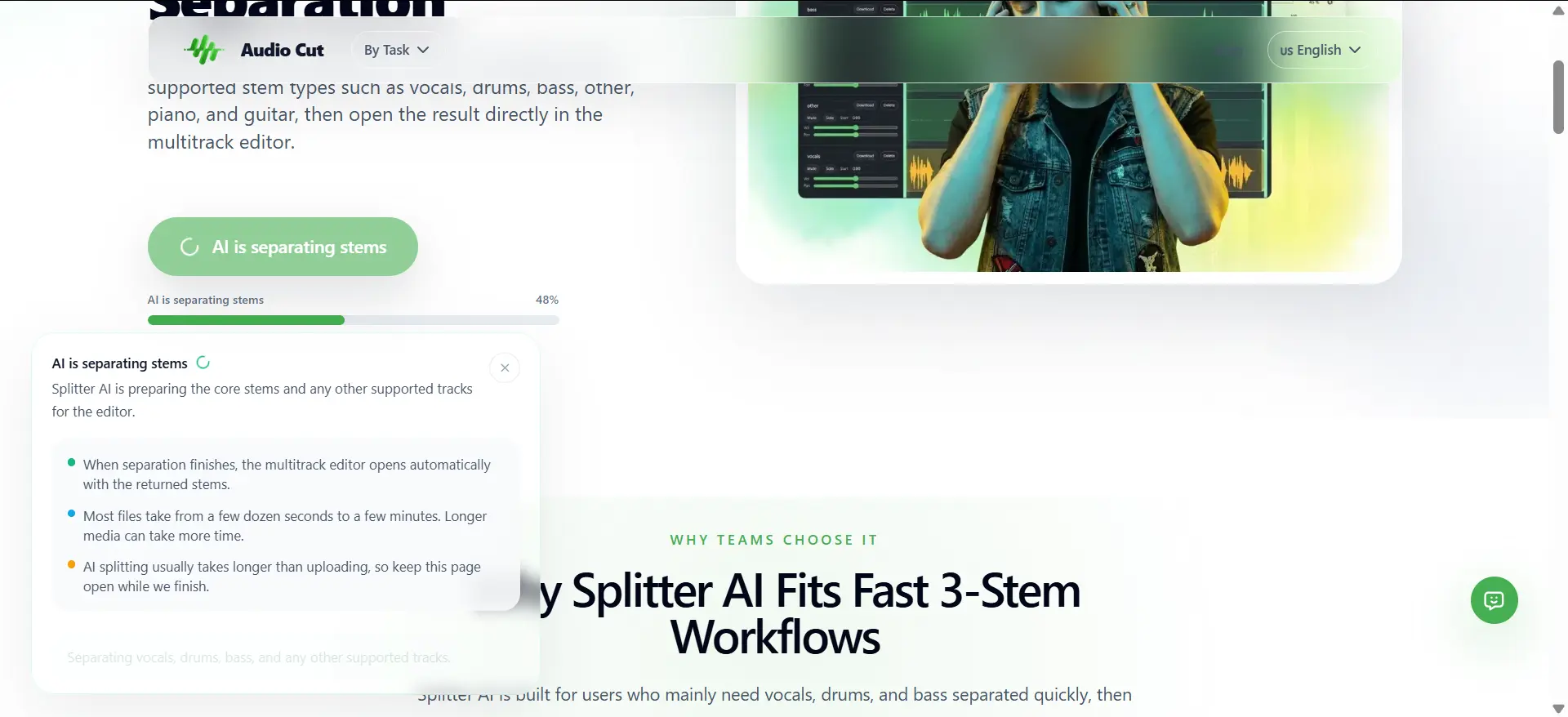
Step 2: Launch AI Multi-Stem Separation
AudioCut’s optimized Demucs-based Splitter AI automatically analyzes source audio and splits material into selectable stems: vocals, drums, bass, other instruments, piano and guitar based on source track features; processing time varies according to original file length.
Step 3: Preview, Edit & Export Custom Tracks
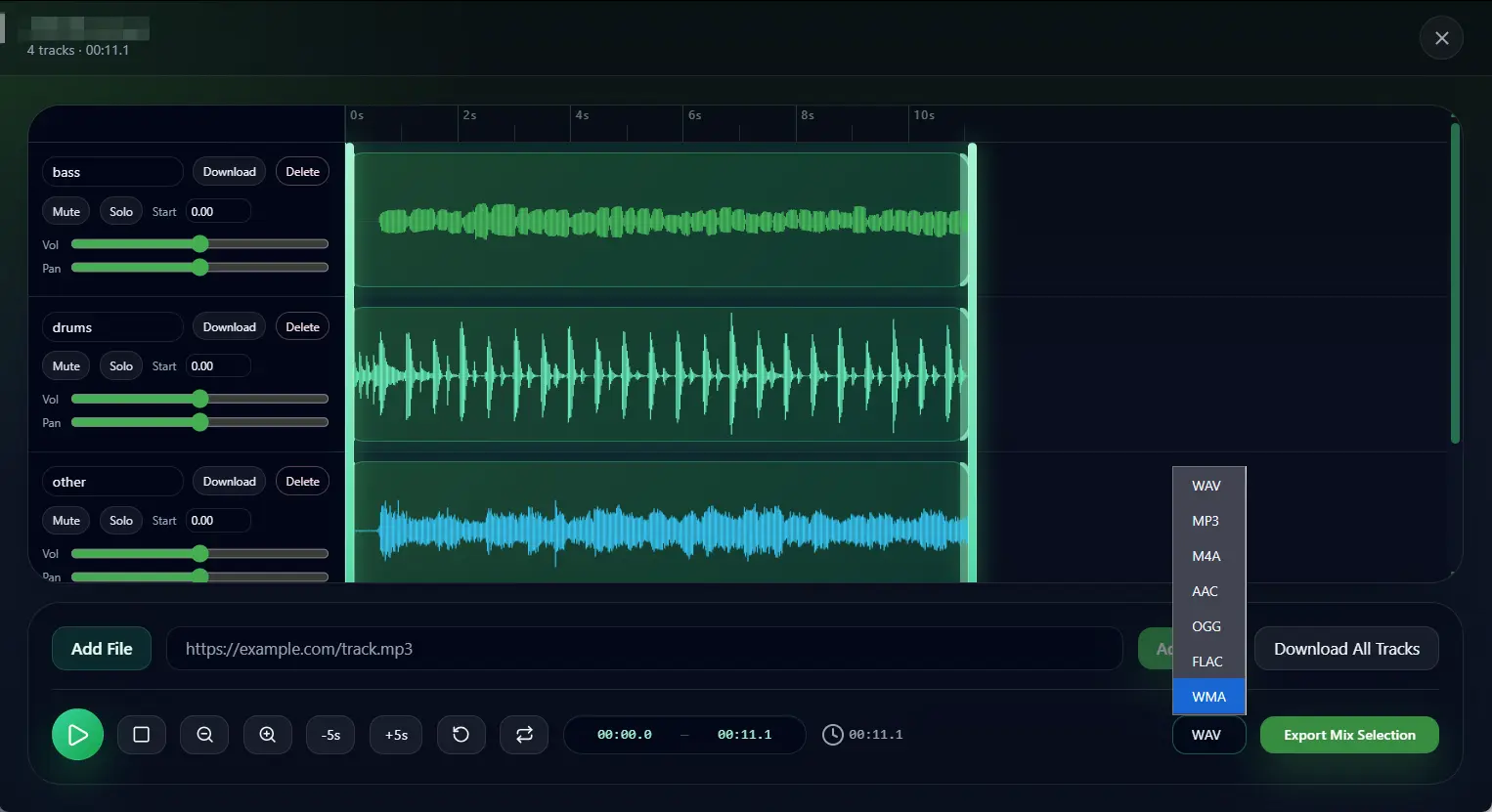
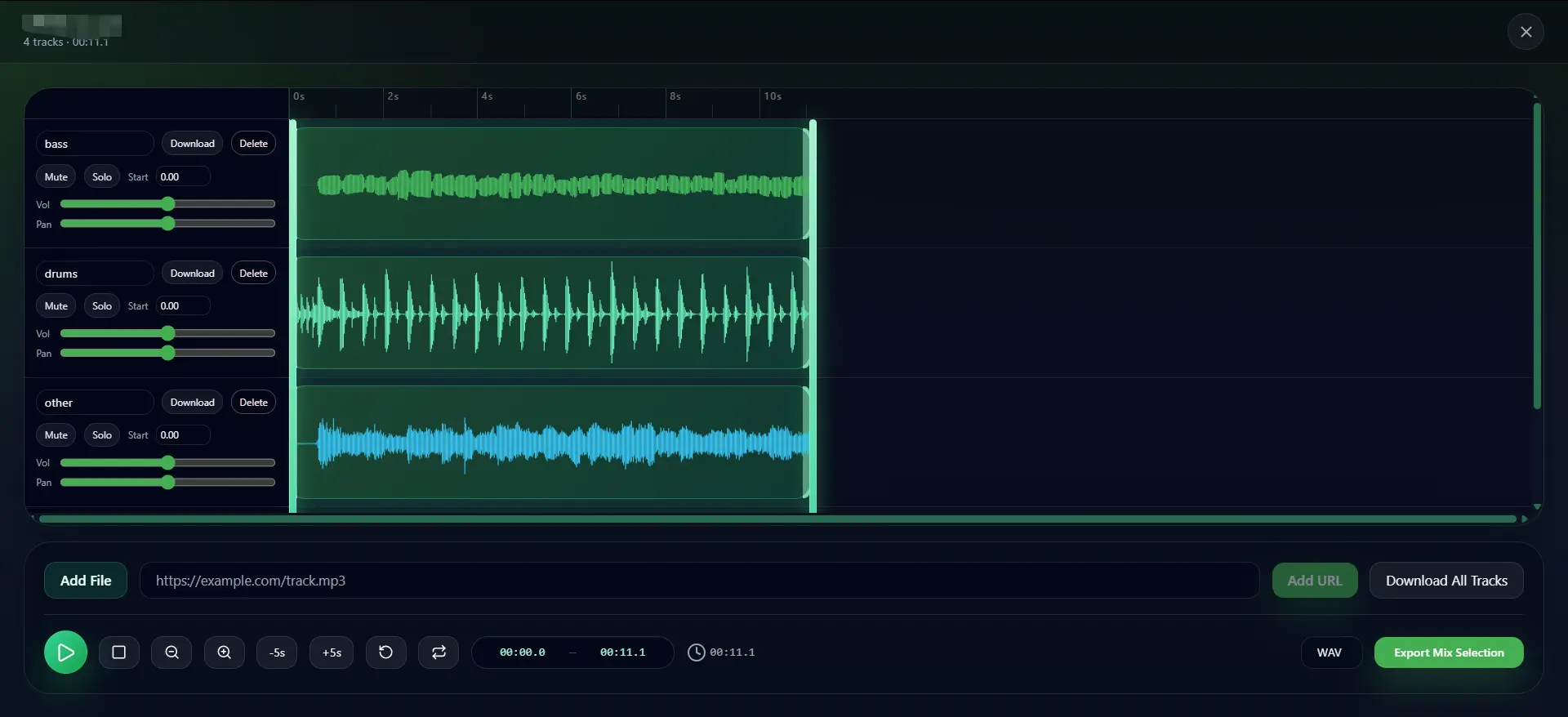
All finished stems load inside the platform’s embedded multitrack editor :
- Preview each isolated track via Solo/Mute buttons to verify separation precision;
- Adjust track volume and left-right pan via horizontal slider controls to build a custom mixed version instantly online;
- Download individually selected stems or bulk export all tracks in lossless WAV, or render a new combined single mixed audio file via Export Mix Selection.
Comparison Table Top 10 AI Tools

| Tool Name | Operation Type | Pricing Model | Watermark on Free Export | Commercial License Available | Max Single File Size | Core Advantage | Ideal End User |
|---|---|---|---|---|---|---|---|
| AudioCut | Browser-Based | 100% Free | Free WAV No Watermark | Yes | No File Size Limit | Strict privacy + built-in multitrack editor | Content Creators & Editors |
| Splitter.ai | Web+Desktop+Mobile | Free + PRO Subscription | No watermark on free exports | Paid Plan | Free capped length | Cross-platform + direct YouTube split | Producers, DJs & Content Creators |
| Vocal Remover | Browser-Based | Freemium | Pure free MP3 no watermark | Patreon unlock | Free limited track duration | Ultra-fast 2-stem quick split | Casual Karaoke Hobbyists |
| Voice.ai | Browser-Based | Free + Paid Premium | No watermark | Premium Upgrade | Free limited runtime | Podcast + music dual-purpose splitting | Content Creators & Podcasters |
| Loudly | Browser-Based | Free + Monthly Subscription | No watermark on free MP3 | Premium | Free monthly minute quota | Built-in auto key match & remix engine | DJs & Mashup Creators |
| Gaudio Studio | Browser-Based | Pay-as-you-go Cloud Credit | No watermark | Yes | Credit dependent | Cloud computing, no local hardware burden | Independent Vocalists & Musicians |
| LALAL.AI | Browser-Based | Free Trial + Paid | Free MP3 with subtle tag | Paid Upgrade | Free:10min track | Fine granular niche instrument separation | Sound Designers |
| LANDR Stems | DAW AAX/VST3/AU Plugin | Paid Subscription | No watermark | Yes | Depends on DAW project | Direct in-DAW real-time stem extraction | Professional Studio Producers |
| Ultimate Vocal Remover 5(UVR5) | Desktop Standalone | 100% Free | No watermark | Follow open-source rules | Unlimited files | Full algorithm custom adjustment | Advanced Audio Engineers |
| StemRoller | Desktop Standalone | 100% Free | No watermark | Open-source compliant | Unlimited files | One-click drag-drop Demucs split | Casual Desktop Users |
Final Thoughts Which AI is Right for You
Choosing the ideal tool depends entirely on your specific production ecosystem:
- If you want zero friction and maximum speed: Web-based tools eliminate local hardware strain. AudioCut provides a highly optimized, fast splitter ai workspace that doesn't track your data or compromise on quality, making it perfect for rapid content creation. Free and No File Size Limit
- If you are a hardcore desktop producer: Ultimate Vocal Remover 5 provides unmatched algorithm tweaking and flawless results completely for free, though it comes with a slight learning curve.
- If you live inside a DAW: The LANDR Stems plugin is your best choice for a smooth, unified workflow that bypasses constant exporting and importing.
FAQ on AudioCut Splitter AI
Q1: Will AI stem splitters damage my original source audio quality?
Original source file never gets altered during online/cloud processing. Final output quality depends on tool algorithms and chosen export format. Top-tier options including UVR5 and AudioCut support lossless WAV export to retain full audio fidelity; many cheap free-only tools compress final files into low-bitrate MP3 which sacrifices sound details.
Q2: Is uploading copyrighted music to online stem splitters safe regarding data privacy?
Privacy regulations differ widely across platforms. Multiple mainstream cloud splitters retain user uploaded files for internal AI model training or backend backup. For sensitive client-owned copyrighted tracks, choose privacy-focused platforms like AudioCut with encrypted SSL transmission and automatic permanent server erasure right after user download completes.
Q3: Does AudioCut add watermarks on free downloaded audio files?
AudioCut’s free tier delivers fully lossless WAV exports with zero embedded audio watermarks; watermark restrictions only apply to ultra-large file batches reserved for premium membership users.
Q4: Any totally free phone-friendly AI vocal removers in 2026?
AudioCut is 100% free AI vocal remover and use with zero file size restrictions for all users. Meanwhile, desktop-only UVR5 and StemRoller lack native mobile compatibility.