
Unlimited file size
Work with any size files — hours of audio or large video projects with no limits.
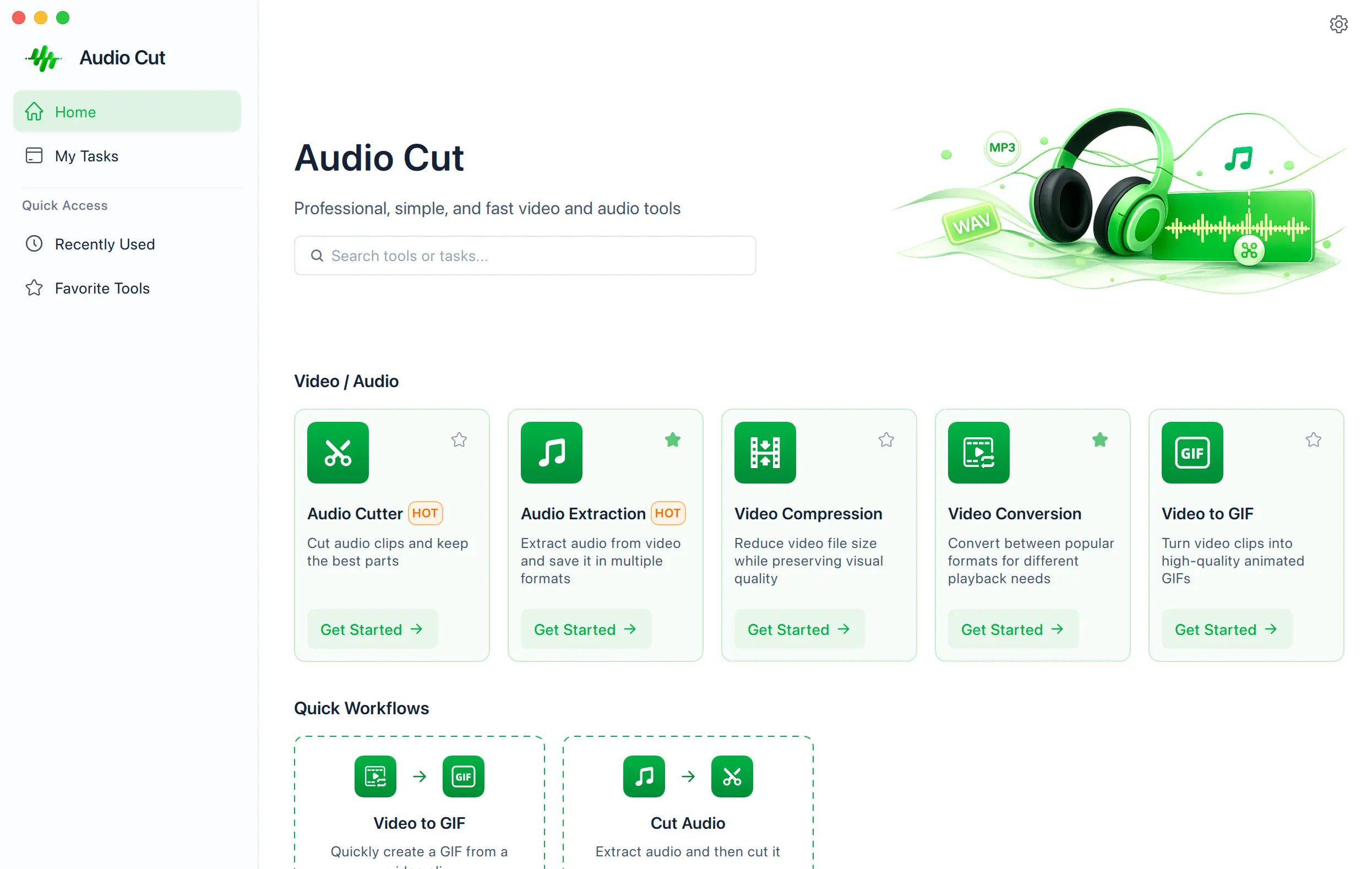
AudioCut Desktop
Download the desktop app for unlimited file size, unlimited files, faster processing, and private, on-device workflows with your Pro account.
Free download · Pro account required for unlimited desktop access
Work with any size files — hours of audio or large video projects with no limits.
Process multiple files at once and save hours of repetitive work.
Take advantage of your computer’s full power for lightning-fast processing.
Everything runs on your computer. Your files never leave your device.
Choose the right installer for your operating system. All downloads include the latest stable release.
For Apple Silicon Macs
For M1, M2, M3, M4 chips
macOS 11+ (Big Sur or later)For Intel-based Macs
macOS 10.15+ (Catalina or later)For Windows 10 and 11
Windows 10+ (64-bit)Coming Soon
We’re working on a Linux version.Download, install, and start editing in minutes.
Choose your operating system and download the installer.
Run the installer and follow the simple setup steps.
Sign in with your Pro account and start creating.
Web vs Desktop
An illustrative comparison based on processing a 100 MB media file.
Questions
Everything you need to know about AudioCut Desktop.
Yes. The installer is free to download. A Pro account unlocks unlimited file size, unlimited files, and batch processing.
The desktop app processes files locally, supports unlimited file size and batch processing, and keeps files on your device.
AudioCut Desktop currently provides installers for Apple Silicon Macs, Intel Macs, and Windows 64-bit.
Yes. Pro accounts can use batch processing to work through multiple files in one workflow.
You can download the app for free. Pro is required for the unlimited desktop workflow.
Download the latest stable installer from this page whenever a new release is available.
Desktop processing runs locally, so your files stay on your device for local tools.
Contact the AudioCut team through the feedback button and we will help you find the right workflow.
Ready to edit faster?
More power. More privacy. A faster workflow — all on your computer.